tcp PointCloud Editor
Installation steps - PCE
1.1 Installation steps
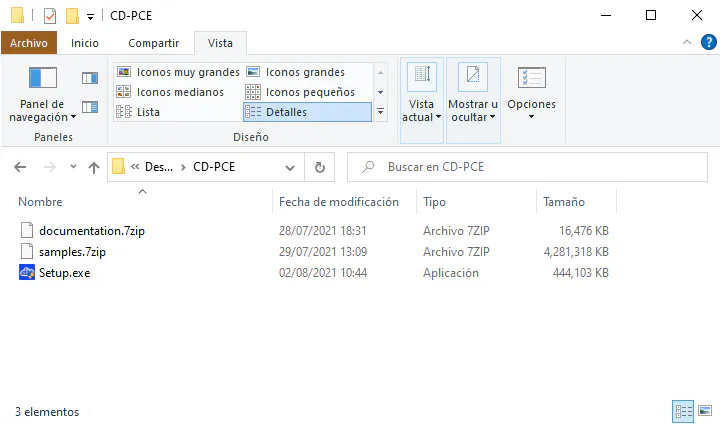
- After you have downloaded and unzipped the installation file, run Setup.exe. Administrator privileges are required.
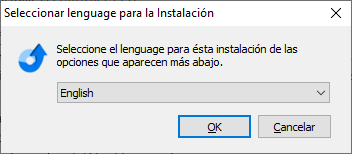
- Select installation language (English or Spanish) and click Next.
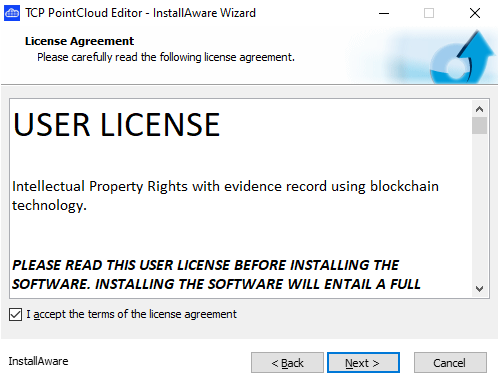
- Read and accept the license agreement and click Next.
-
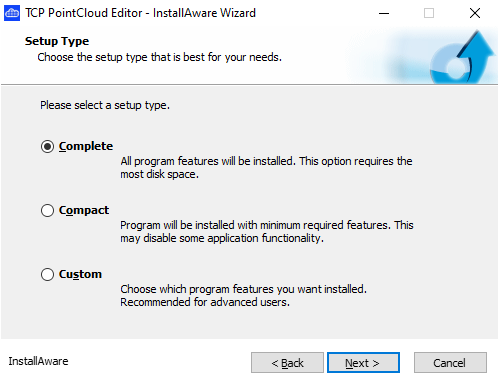
Select the installation type and click Next. The options are:
-
Complete (default). It includes application, documentation and examples.
-
Compact. Installs only the application.
-
Custom. Allows you to choose the components (program, examples and documentation).
-
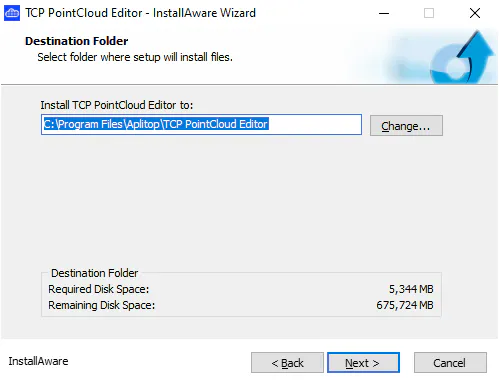
- Select the folder for installation (default is C:\Program Files\Aplitop\TCP PointCloud Editor) and click Next.
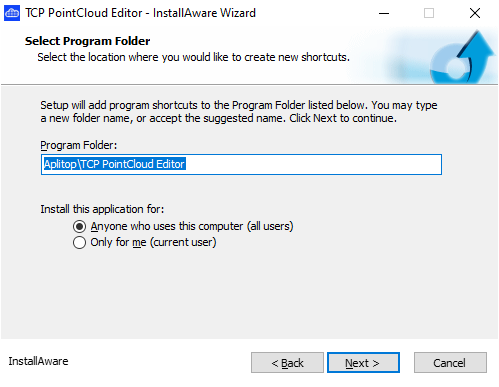
- Select the folder within the program group (default is Aplitop\TCP PointCloud Editor) and click Next twice to run the installation.
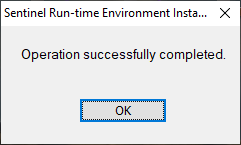
- Once the installation of the Sentinel Run-time is finished press OK. Sometimes, this will appear twice.
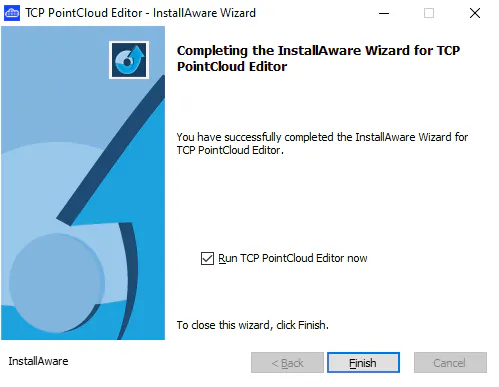
- Once the following dialog is displayed, clear the Run TCP PointCloud Editor now check box and press the button to Finish.