
tcpGPS
Installation - GPS v2
1.1 Installation
Installing tcpGPS Android application requires a device with Android OS and Internet connection. The recommended requirements are shown in the following table:
Feature | Recommended |
|---|---|
Android OS | V7.0 to V14 |
RAM | Minimum 3GB |
Performance Indicator | Minimum 12 and recommended 28 or more, according to the Android device comparison website https://www.androidbenchmark.net/g2dmark_chart.html |
Display Size | Recommended 5" or more |
Connectivity | Data connection |
Bluetooth | |
Internal GPS | |
Sensors | Magnetometer, accelerometer and gyroscope |
From Google Play Store you can find and install the application, named tcpGPS.
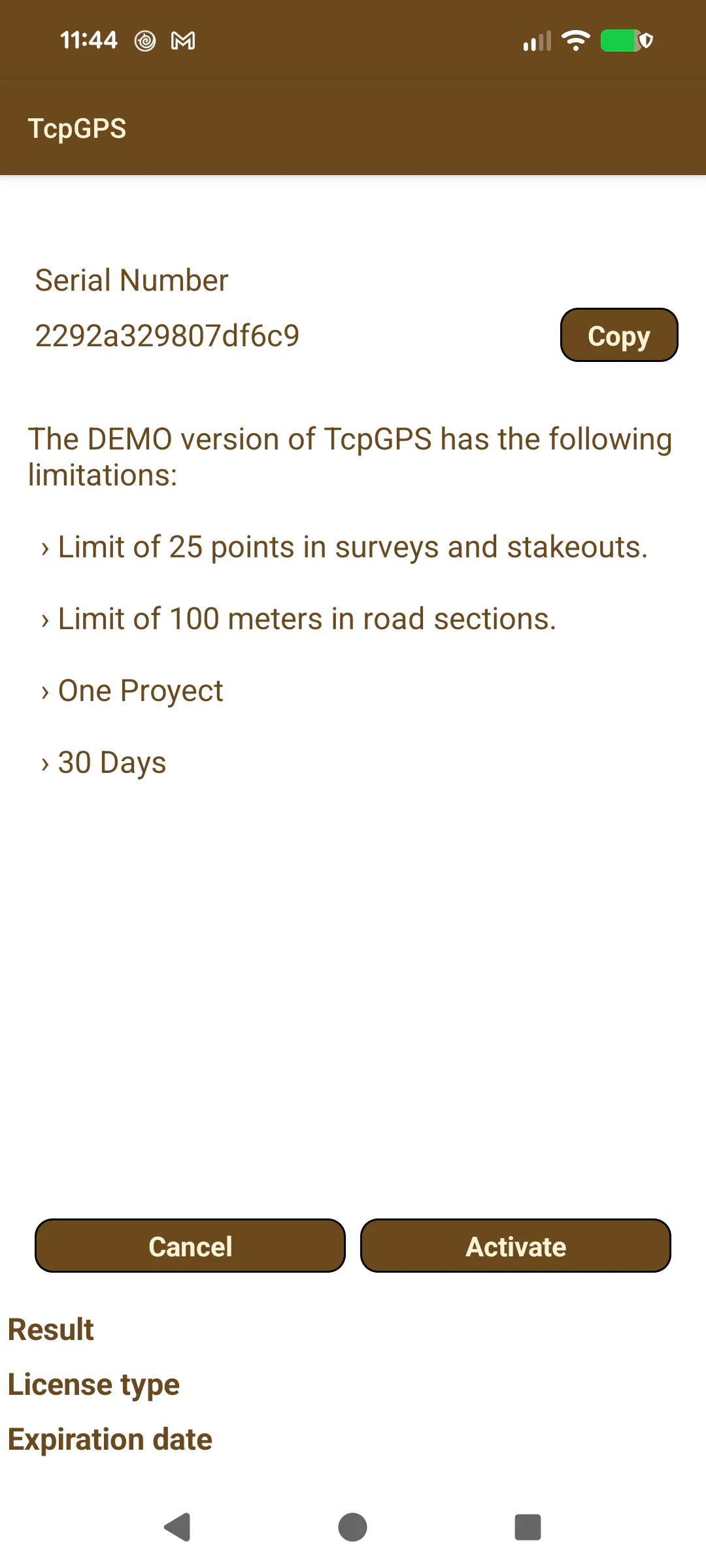 |
|---|
Figure 1. License request |
The application requires a set of permissions:
Bluetooth for connecting to external GNSS receivers.
Internet for downloading ESRI maps, sharing exported files and using NTRIP and WMS services.
Location for getting position from the internal GPS.
Camera for making photos and use augmented reality.
Microphone for recording voice notes.
Storage for accessing files and storing results.
These permissions will be requested to accept after installing the application.
The first time the application is started, the user will be required to fill the data information fields for requesting a license. Two different license versions are available for tcpGPS Android.