tcpTunnel CAD
Offset report - TNC3
5.3 Offset Report
If the tunnel templates are circular, the offset at each station can be calculated by calculating the geometric center of each cross-section and measuring its adjustment.
Currently, this option must not be used unless use the tunnel templates are circular.
The following information is requested:
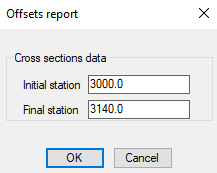
After pressing OK button, the program calculates the tunnel offsets as follow:
-
It creates groups of points formed by three points.
-
For each group, it calculates the middle of the circle (which is why the tunnel template must always be circular)
-
It accumulates horizontal and vertical offset from the middle of the circle with respect to the middle of the tunnel template.
-
It averages the offsets with the number of groups created.
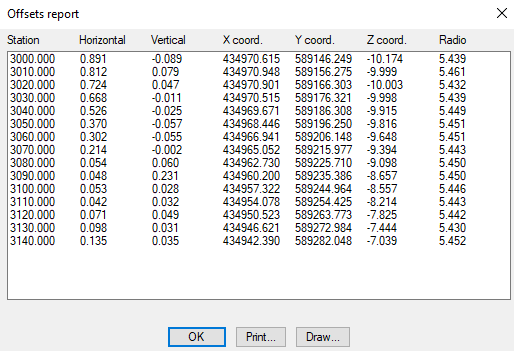
Station: Station of the cross-section used for calculating the offset.
Horizontal: Horizontal offset of the cross-sections with respect to the ground plan alignment.
Vertical: Vertical offset of the cross-sections with respect to the elevation alignment.
X, Y, Z Coord.: 3D coordinates of the offset alignment at the station in question.
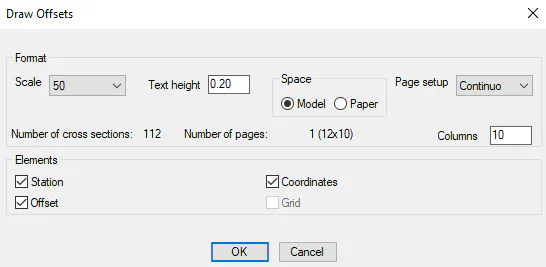
For a graphic representation of the calculations, select Draw, which will display the following dialog for configuring the input/output format. The options are the same as for drawing cross-sections.
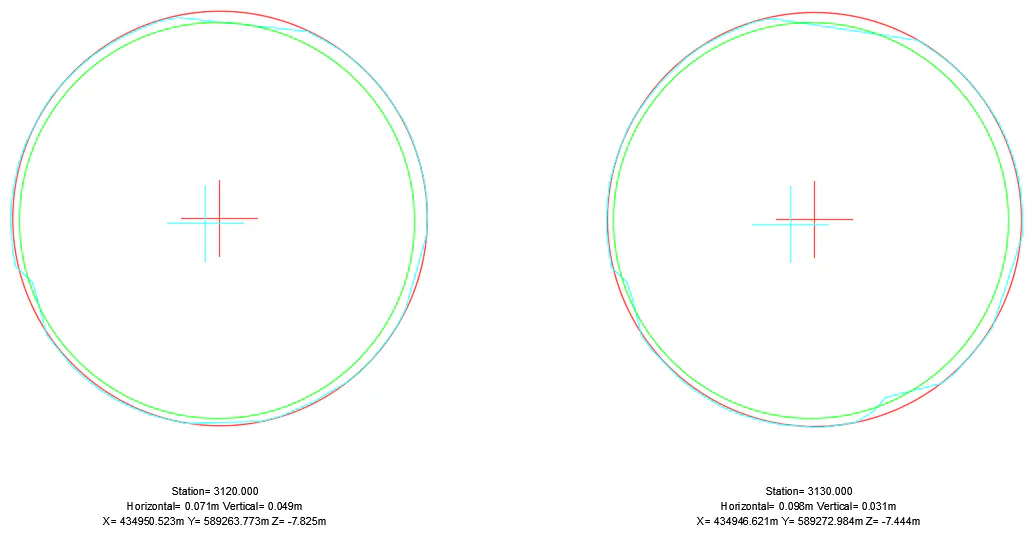
The cross-section is light blue, and the tunnel template is green. The place where the tunnel template with the data of the offset applied would be placed is shown in red.