
tcpTunnel CAD
Cross section calculation - TNC3
5.1 Cross-section calculation
After finishing the project definition, it is ready to import a point file and do the cross-section calculation.
First, execute TcpTunnel > Edit project command and select the point file.
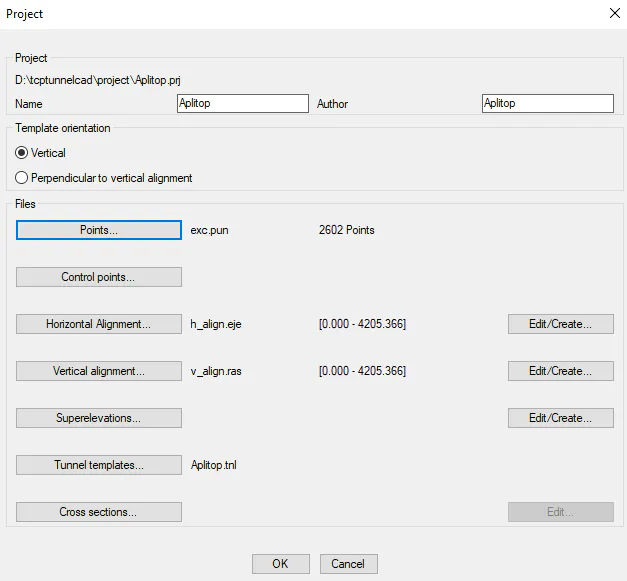
Then, click OK button and run the command TcpTunnel > Calculate Cross-sections.
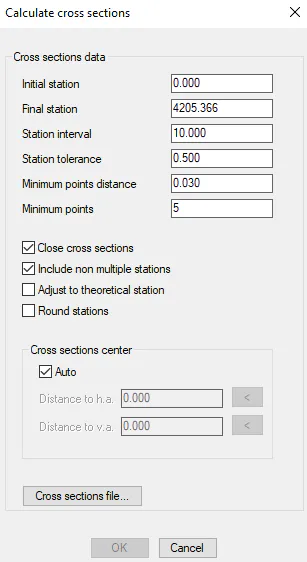
In this window, the main data to be entered are:
Initial* and Final stations*** of the point cloud.
Station interval and tolerance used to measure the point cloud.
Name of the Cross-section file where the data will be stored.
When clicking OK button, the program will start analyzing the points and, then, it will generate the cross-sections.