
tcpTunnel Scan
Program installation - TSCAN1
1.2 1.2 Program installation
To install TcpTunnel SCAN on the device, the next steps must be followed:
-
Extract the zip file containing the executable program. The name of this file has the format _tcptunnelscan_.zip.
-
Run the installation file.
-
Select the language. The available options are english and spanish. Then, click OK button.
-
Select the installation folder and click Next button.
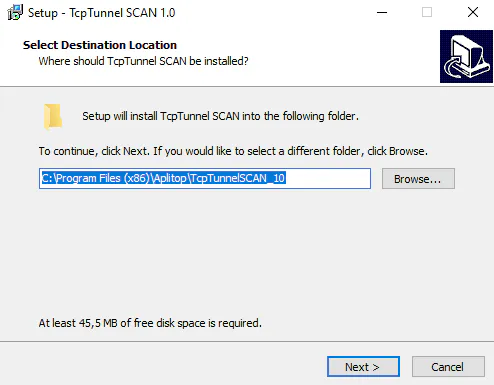
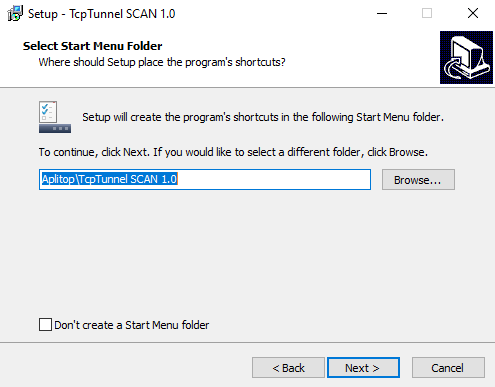
- Select the Windows Start Menu folder and click Next button.
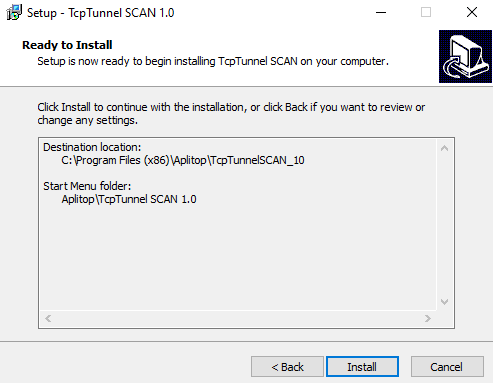
- Click Install button.
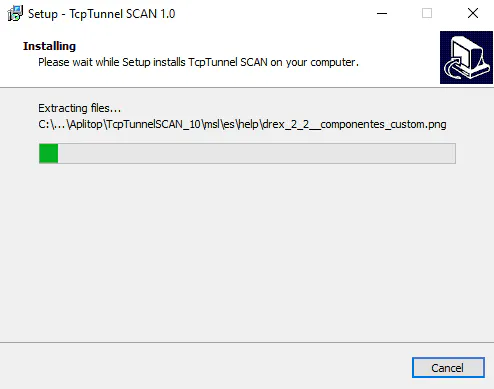
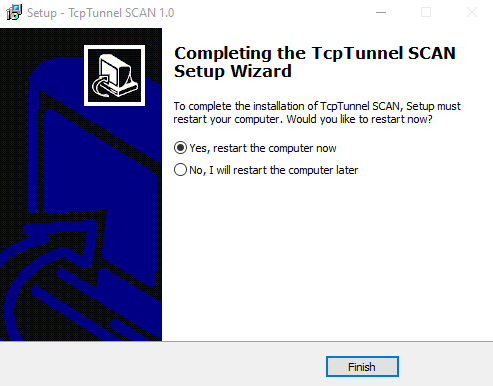
- Click Finish button to restart the computer.
- A shortcut to the program will created in Aplitop folder, within Windows Start Menu, and on the desktop.