
tcpTunnel Scan
Coordinate selection - TSCAN1
2.2 Coordinate Selection
In the options of the program where necessary to indicate the coordinates of a point will be accessed through the button  , to the next screen:
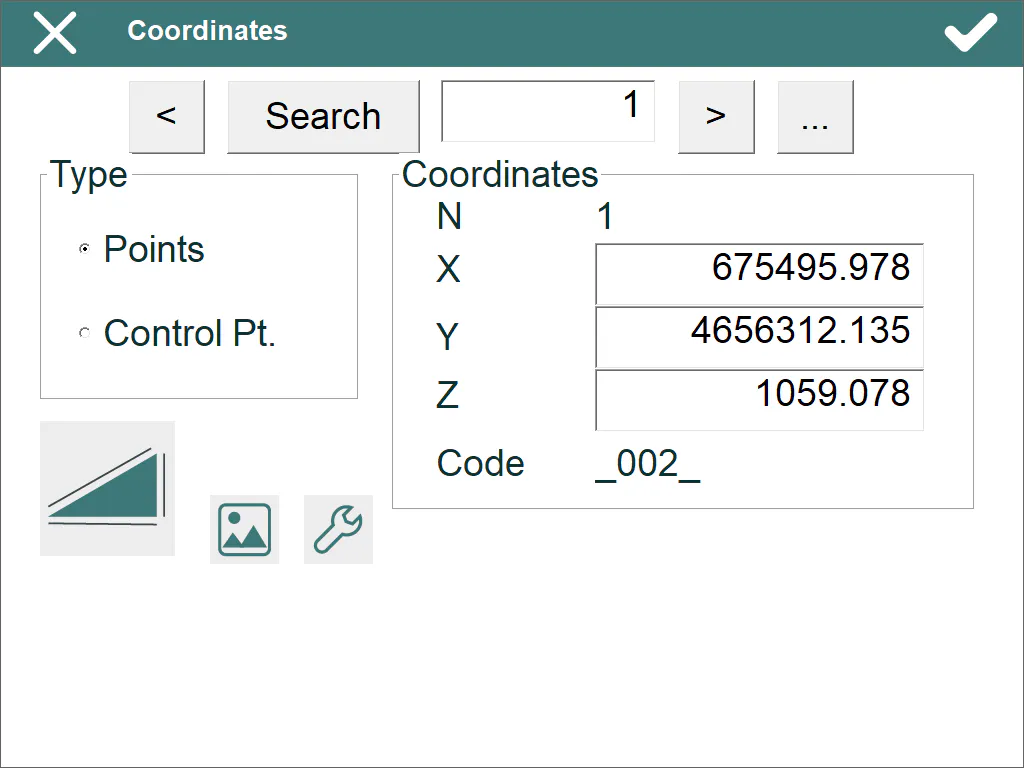
< >: These buttons allow one to move through the different points of the file selected in the Type section. If one clicks the button, the list of the selected type is displayed.
Search: This button allows one to go directly to the point indicated in the box next to it.
 This button allows one to make a total station observation.
 This button allows one to graphically select a point from the station or point file.
 Allows one to configure some features of the total station.