
Support
Configuring the Spectra Geospatial FOCUS 35 total station in tcpTunnel
Communication settings
To connect TcpTunnel to the Spectra Geospatial® FOCUS® 35 total station, follow these steps:
Turn on the total station.
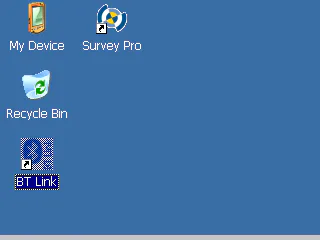
Run the BT Link program.
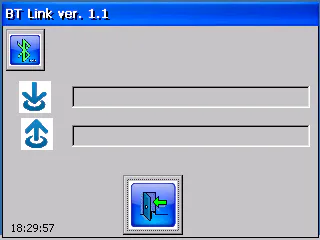
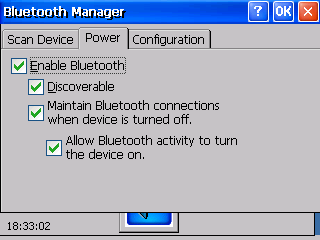
The first time you run BT Link, check that it is configured correctly: click the Bluetooth button, select the Power tab and make sure all the options are enabled. Then click OK.
Run TcpTunnel TS.
Go to Settings > Communications. The first time you run the program, this screen is displayed.
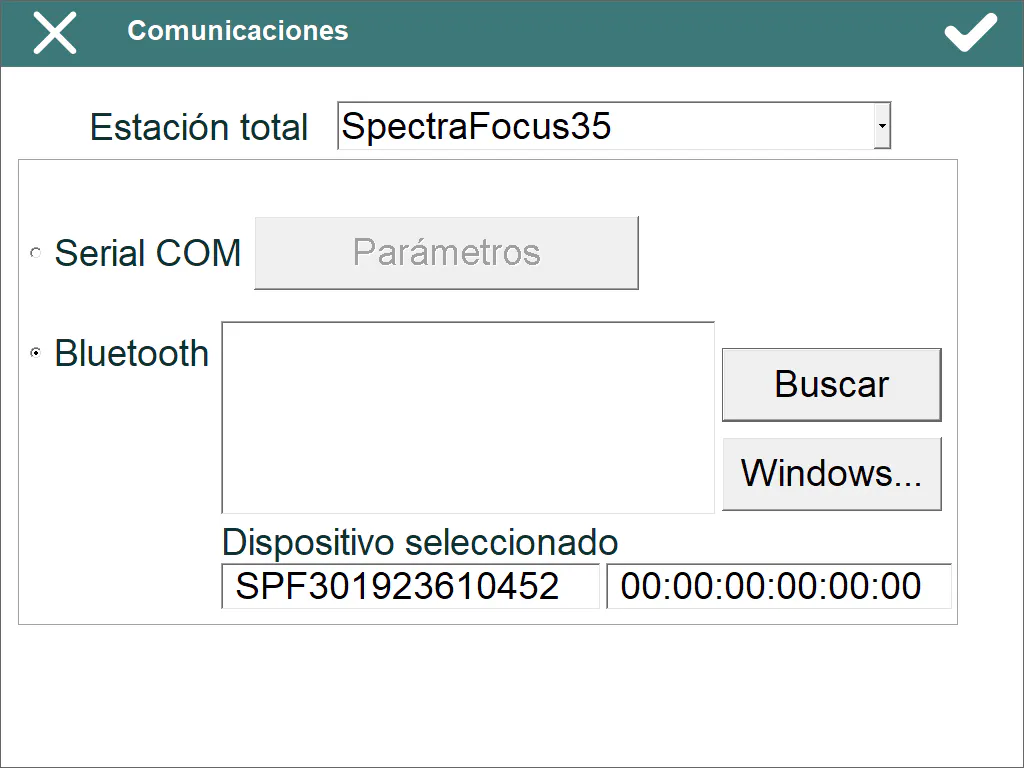
Select SpectraFocus35 in the Total Station list.
Select Bluetooth and click the Search button to start searching for devices. If the total station is already paired with the Windows device, you can click the Windows… button to select it directly.
Select the total station in the Bluetooth list. The Selected device boxes are then filled in with the name and Bluetooth address of the total station.
Click the connect button to start the connection with the total station.

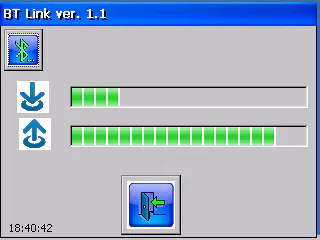
Once connected to the total station, BT Link should show the data traffic as follows, and the instrument settings screen is displayed in TcpTunnel:
Total station settings
Once connected to the total station, some of its parameters can be configured from TcpTunnel. You can do this from Settings > Instrument in the main menu, or by clicking the corresponding button in the data collection and stakeout options.

This screen shows the following information:
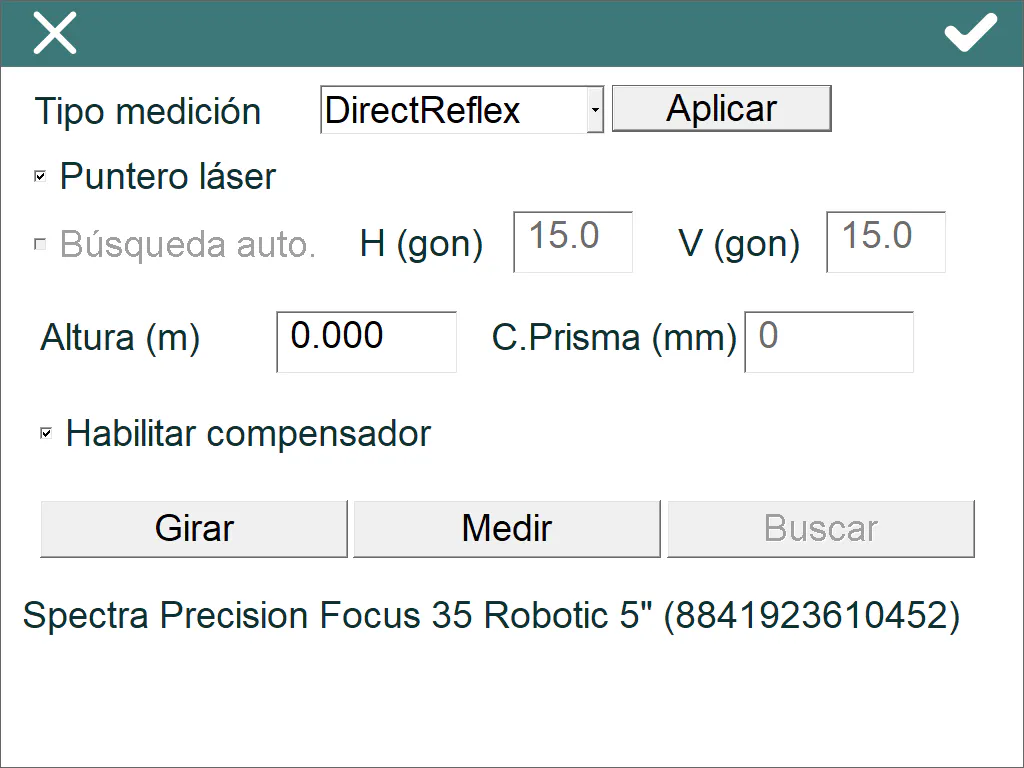
Measurement type: changes the measurement type. The available values are Prism, PrismAdvanced and DirectReflect; the last one is used to measure without a prism. To change the measurement type, click Apply.
Laser pointer: turns the laser pointer on or off when the DirectReflect measurement type is selected.
Auto search: only available for PrismAdvanced; enables the automatic search function of the total station. To define the search window, enter the horizontal (H) and vertical (V) angles, in centesimal (gon) or sexagesimal degrees.
Height (m): sets the prism height, in metres.
Prism constant (mm): sets the prism constant, in millimetres.
Enable compensator: enables or disables the total station compensator.
Rotate: turns the total station to the opposite angles.
Measure: measures a point and shows the horizontal and vertical angles and the slope distance.
Search: only available for PrismAdvanced; tries to find the prism within the given window.
Below these options, a status bar shows the total station model and its serial number, or information about the command being executed, for example Searching…, Changing compensator…, etc.