tcpTunnel
Cross section - TNL5
7.1 Cross-Section
Allows one to take tunnel cross-section profiles within the station range indicated. In order to do so, the following data is requested:
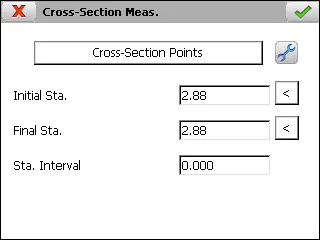
Initial Station: The station can be measured by clicking the  button.
Final Station: The station can be measured by clicking the button.
Station Interval: Station increment value.
After setting up the theoretical points (see Features and Functionality > Theoretical Points of the Tunnel Template) and entering the required data
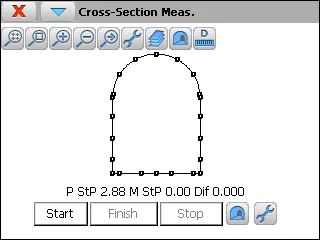
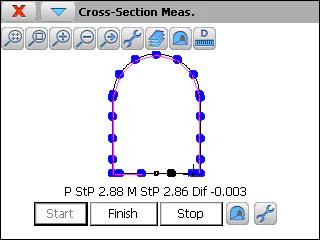
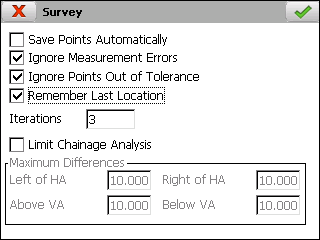
For starting the survey, Start button must be clicked. The program will try to find the theoretical points by using the station tolerance and the number of iterations entered in settings option. For each measured point, the program shows the theoretical and measured stations and the difference regard with the theoretical tunnel template. The stored points will be drawn in blue color and the remaining ones in red color.
The program allows one to change between plan and front views using the button  , within the upper icon bar.
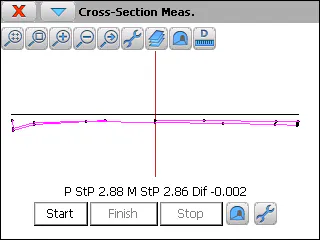
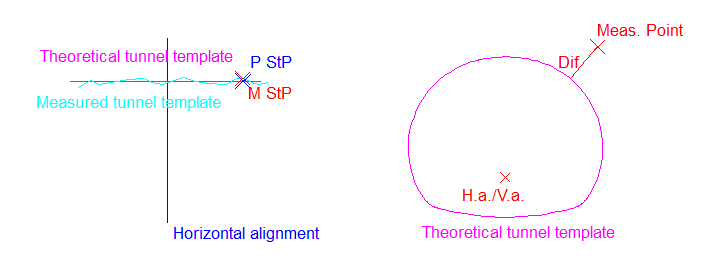
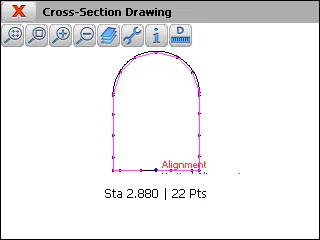
After survey finalized, a graphic with theoretical and measured cross-sections is shown.
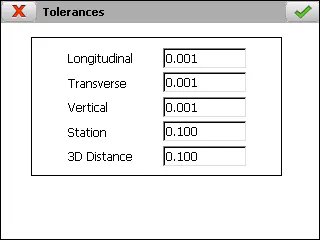
Before starting survey, several setting parameters can be modified through the option included in the menu of the title bar. Apart from the mentioned parameters, station tolerance and number of iterations, messages related measurement errors and points out of tolerance can be disabled.
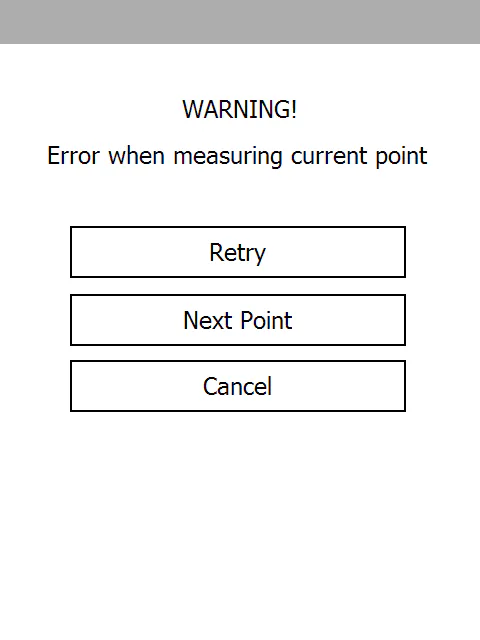
If a measurement error occurs, the following screen is shown, which allows one to Retry, go to Next Point or Cancel the process.