tcpTunnel
Scan - TNL5
7.4 Scan
This option allows user to measure massive points with total stations that offer the possibility of working with scanner mode.
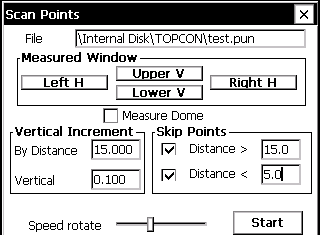
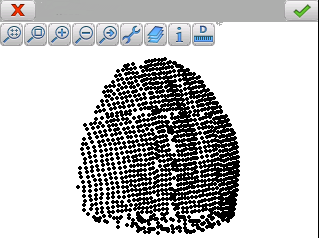
To perform the survey the user must select a point file and then indicate the surface to be measured. To set the Measured Window, the user must measure horizontal angles, left and right, and vertical angles, top and bottom of the window.
If the user checks the Measure Dome, it's not necessary to set the angles mentioned above, and the program will start automatically measuring points between the maximum and minimum horizontal and vertical angles.
In the Vertical Increment section, the user can set the vertical distance that the total station must go down, depending on the geometric distance measured, after making a horizontal sweep.
In the other hand, the section Skip Points allows one to enter the minimum and maximum distances between which the points must be measured to be stored.
The Speed rotate option sets the speed rotation of the total station, being inversely proportional to the accuracy of the points measured.
If the user has not checked the Measure Dome, must click on Start button for making the survey.
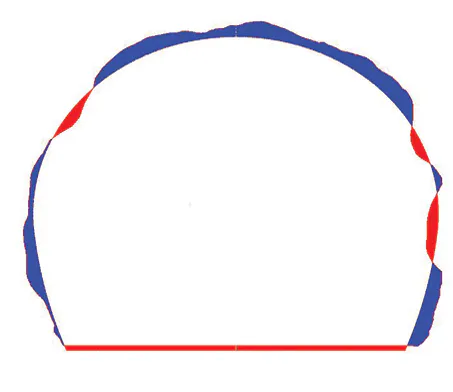
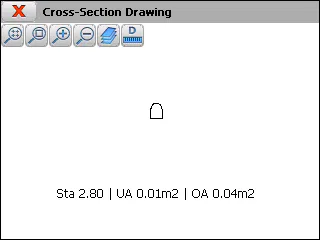
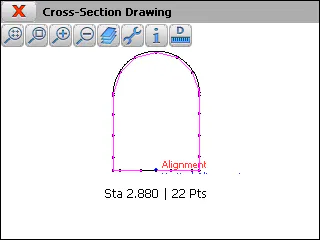
After the scan, the user can draw the cross-sections of the point cloud in Check > Cross-section Drawing option. Also, the program allows calculations of under-excavation and over-excavation areas in each profile.