
tcpTunnel
Area between points - TNL5
11.4 Area between Points
Based on a sequence of points that are designated graphically and after pressing the  button, the surface and the perimeter delimited by that sequence are displayed. If one only one point is designated, its X, Y coordinates are displayed and if two points are designated, the distance and the azimuth are displayed.
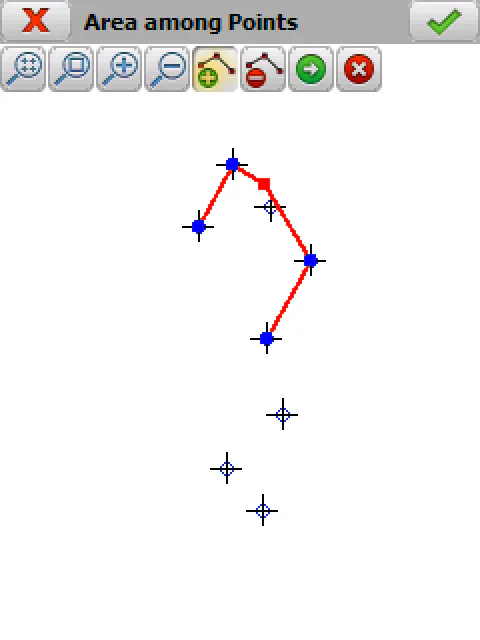
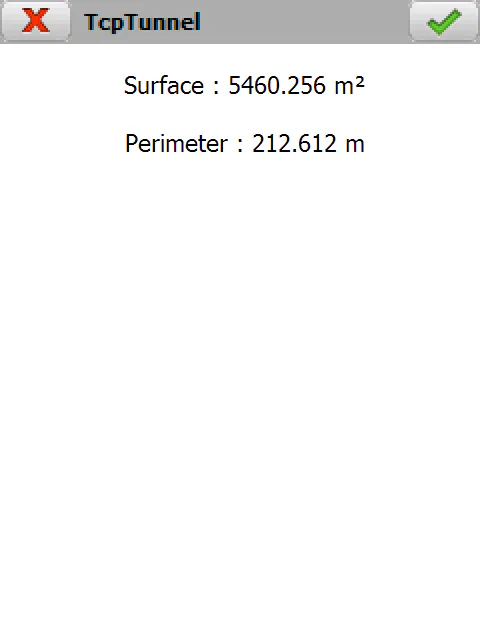
The specific functions of this option are:
 Enables the menu that allows one to calculate areas and distances.
 Adds the points selected for calculating areas and distances.
 Deletes the last point selected for calculating areas and distances.
Calculates area and distance with the selected points.
 Disables the area and distance calculation menu.