Support
How can I enable or disable telemetry in tcpMDT?
To enable or disable TcpMDT telemetry, follow these steps:
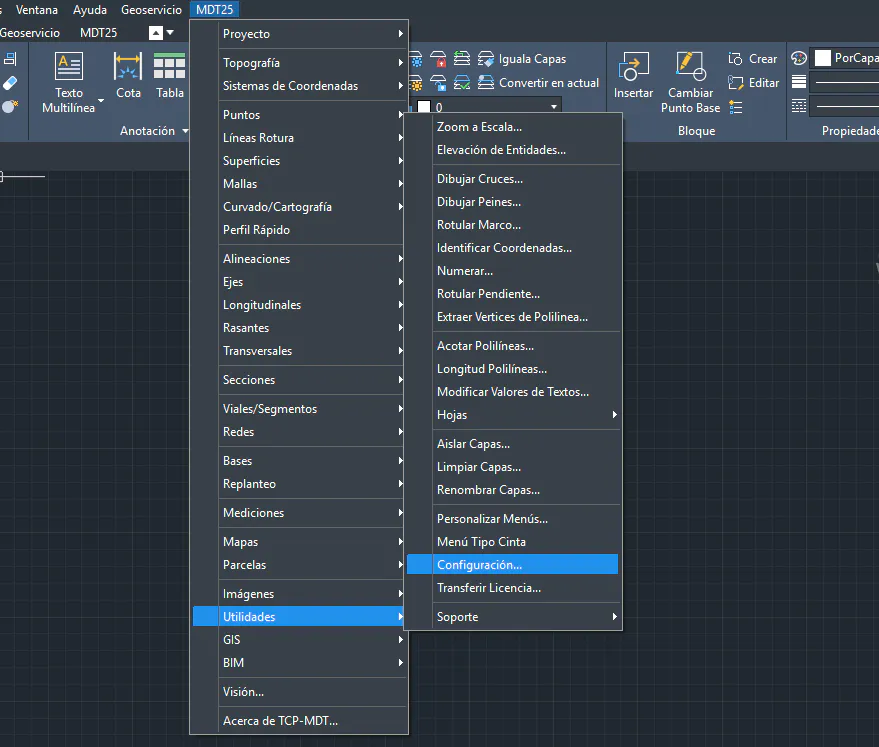
Go to the MDT25 > Use in Surface > Configuration menu
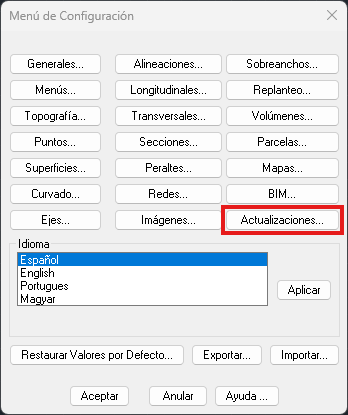
In the “Configuration Menu” window, select the “Updates…” button
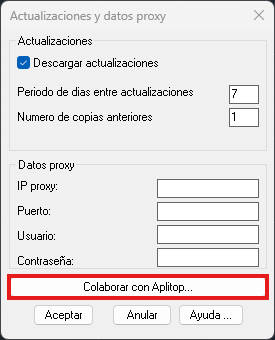
Under “Updates and proxy data”, click the bottom button in the window “Collaborate with Aplitop…”
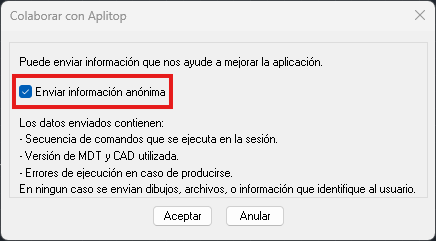
Check or uncheck the “Send anonymous information” checkbox as appropriate, and click “Accept”