tcp PointCloud Editor
Tools - PCE
5.3 Tools
-
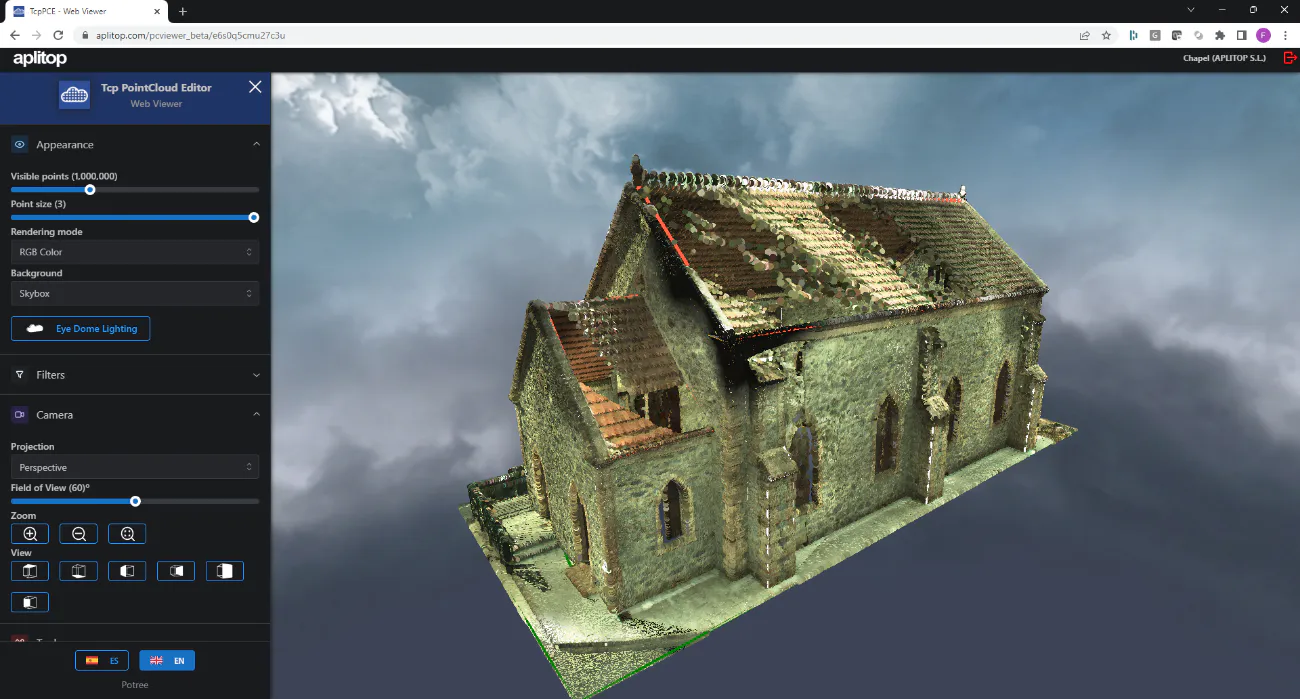
In the Camera panel, select Perspective Projection and then expand the Appearance panel and set the Point Size to the maximum value.
-
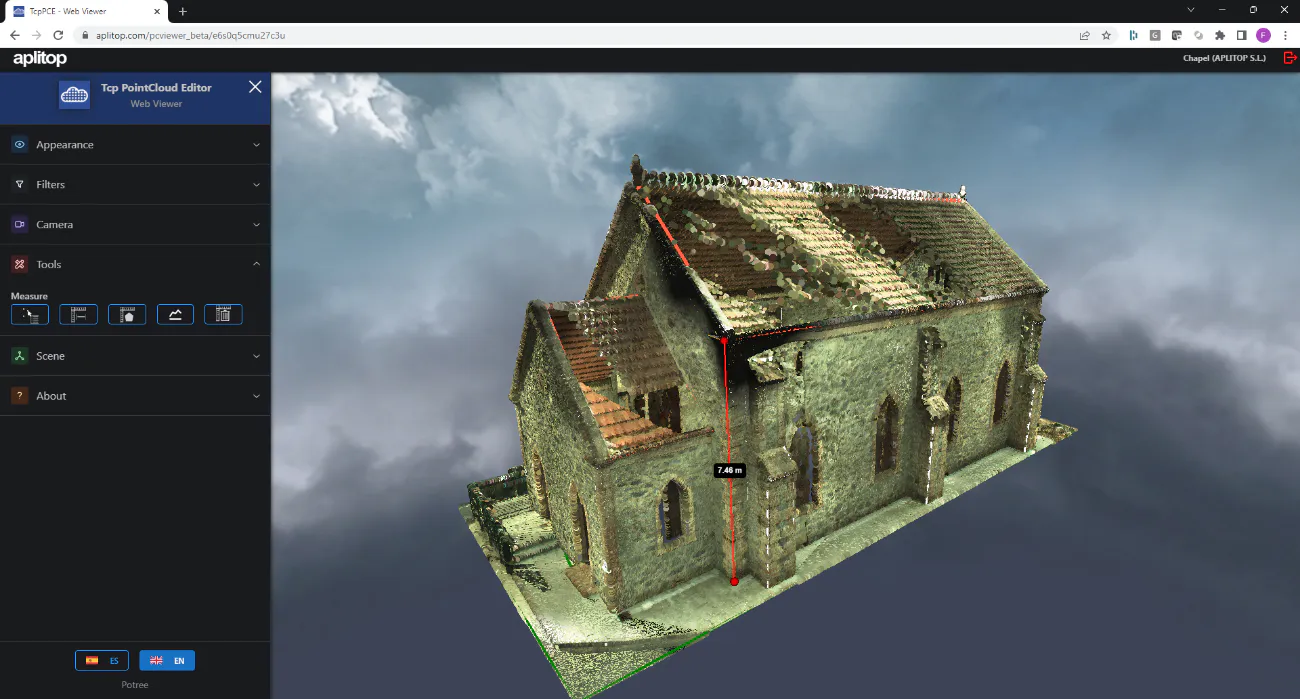
Expand the Tools panel, click the Measure Distance icon, and select two points.
-
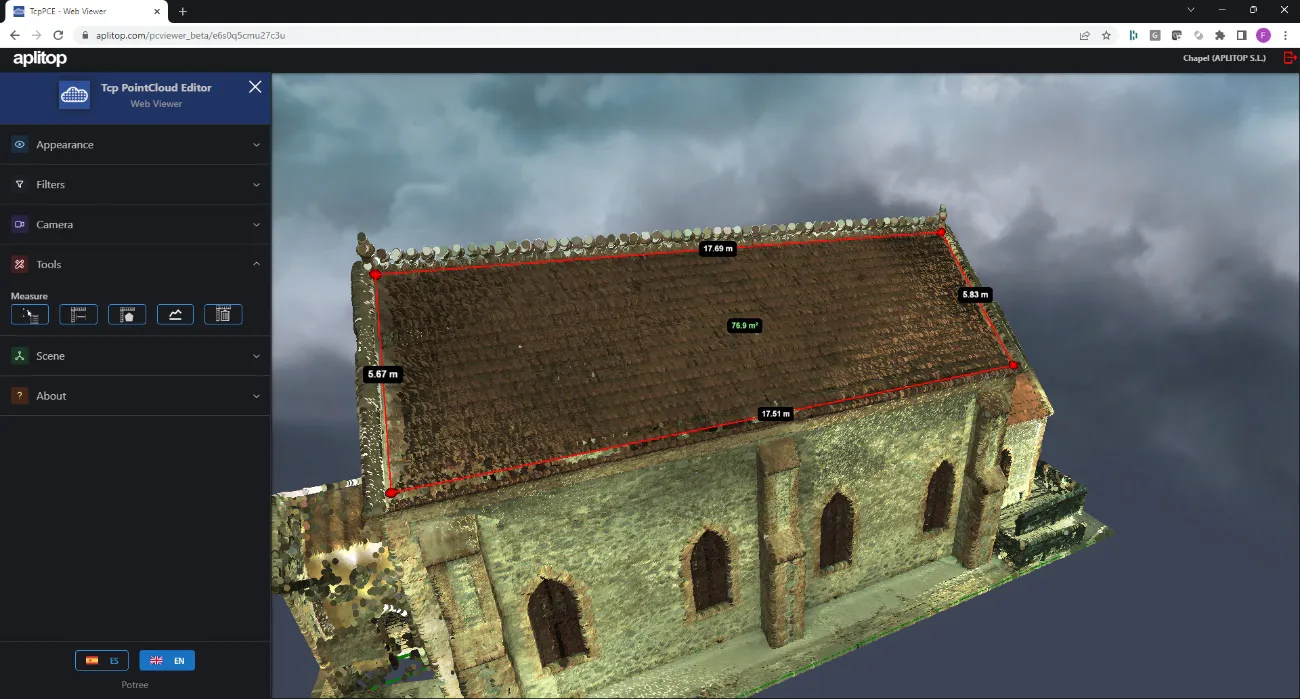
In the same panel, click the Measure Area icon and designate the points on the cover.
-
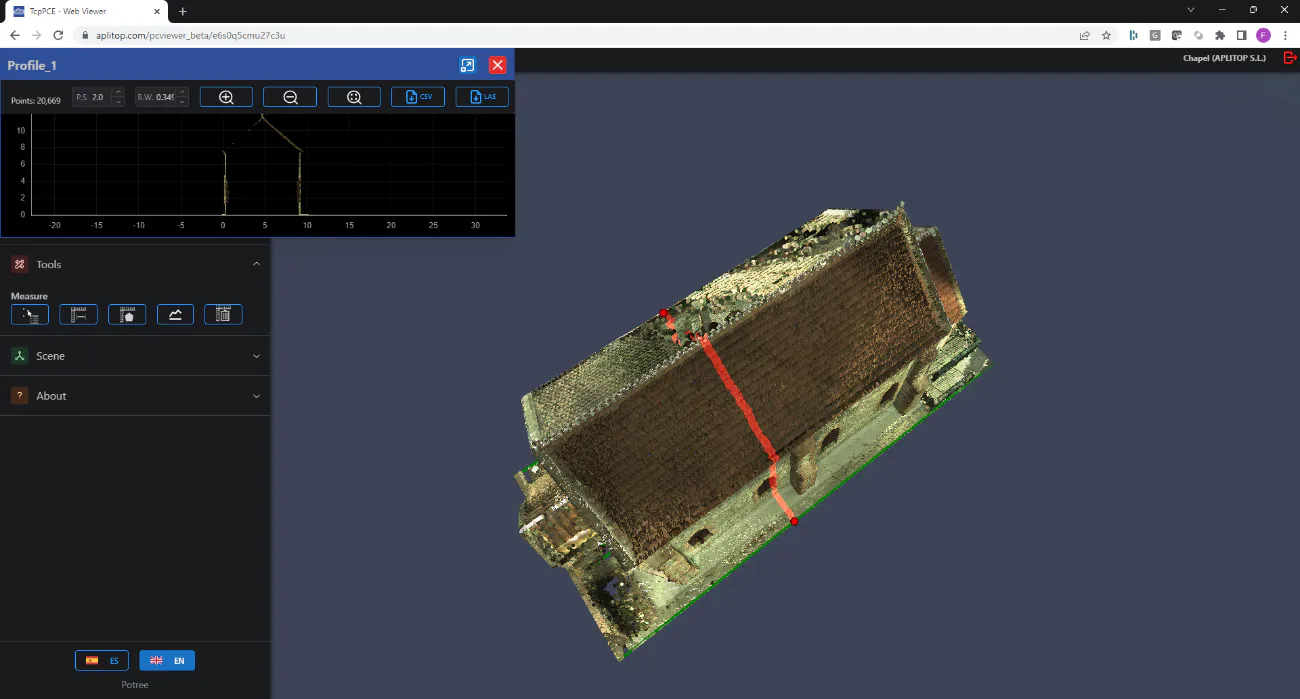
Click the Delete Measurements icon, click the Profile icon, and draw a line as shown in the image.