tcp PointCloud Editor
Visualization - PCE
5.2 Visualization
-
With a web browser, enter the URL of the project, and a view similar to the following will be displayed.
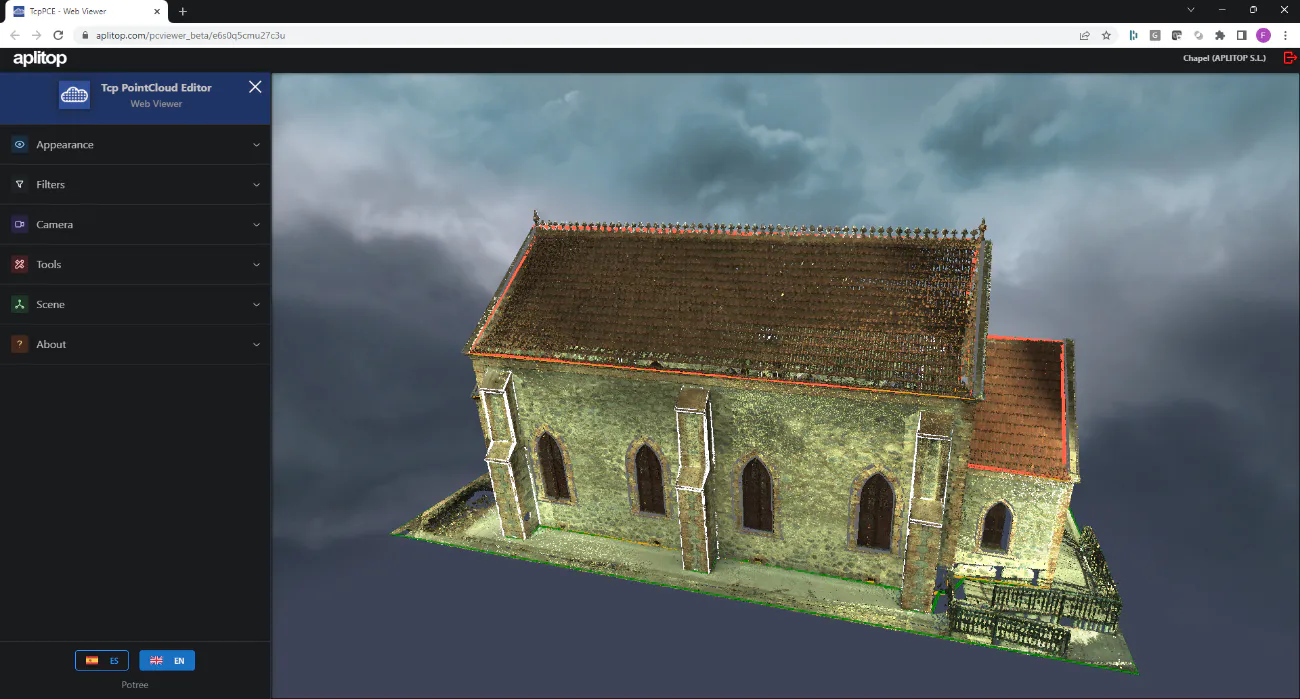
-
Try the following basic controls:
-
Left double-click: center view
-
Left click and mouse move: rotate view (around pivot point)
-
Right-click and move mouse: scroll view
-
Middle button pressed and move the mouse: zoom in or out
-
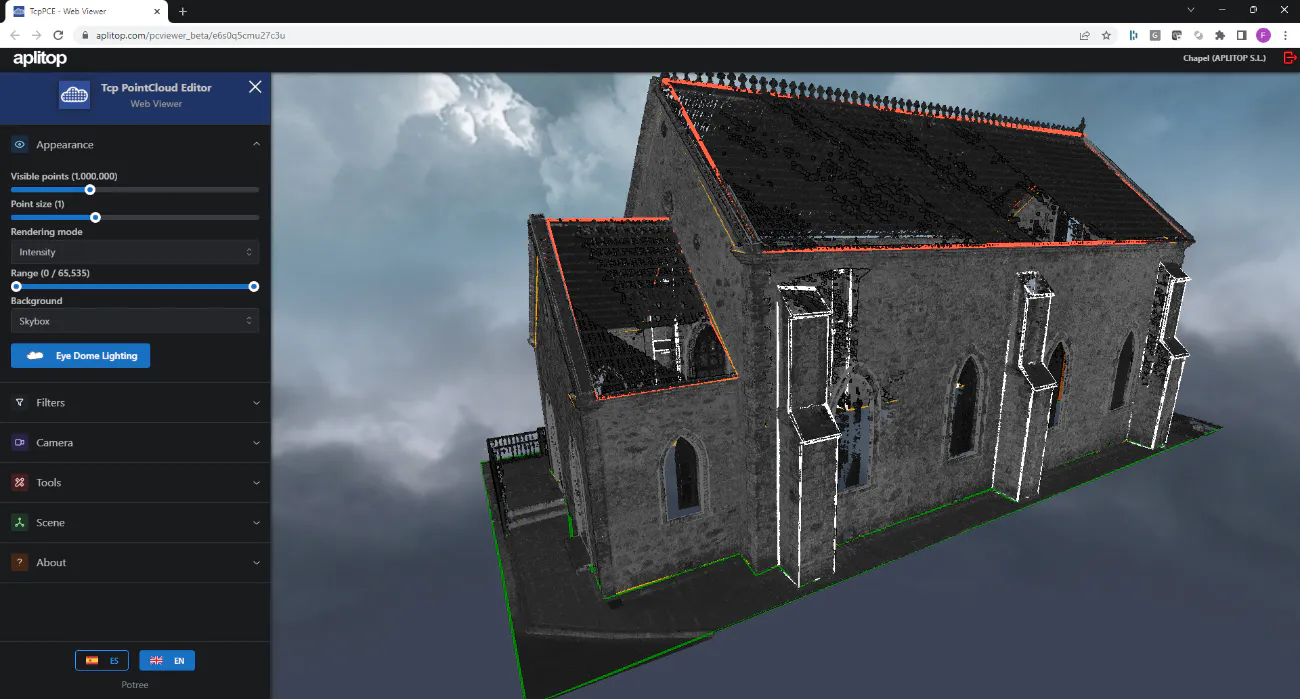
Expand the Appearance panel and change the Rendering Mode to Intensity, and press the Eye Dome Lighting button.
-
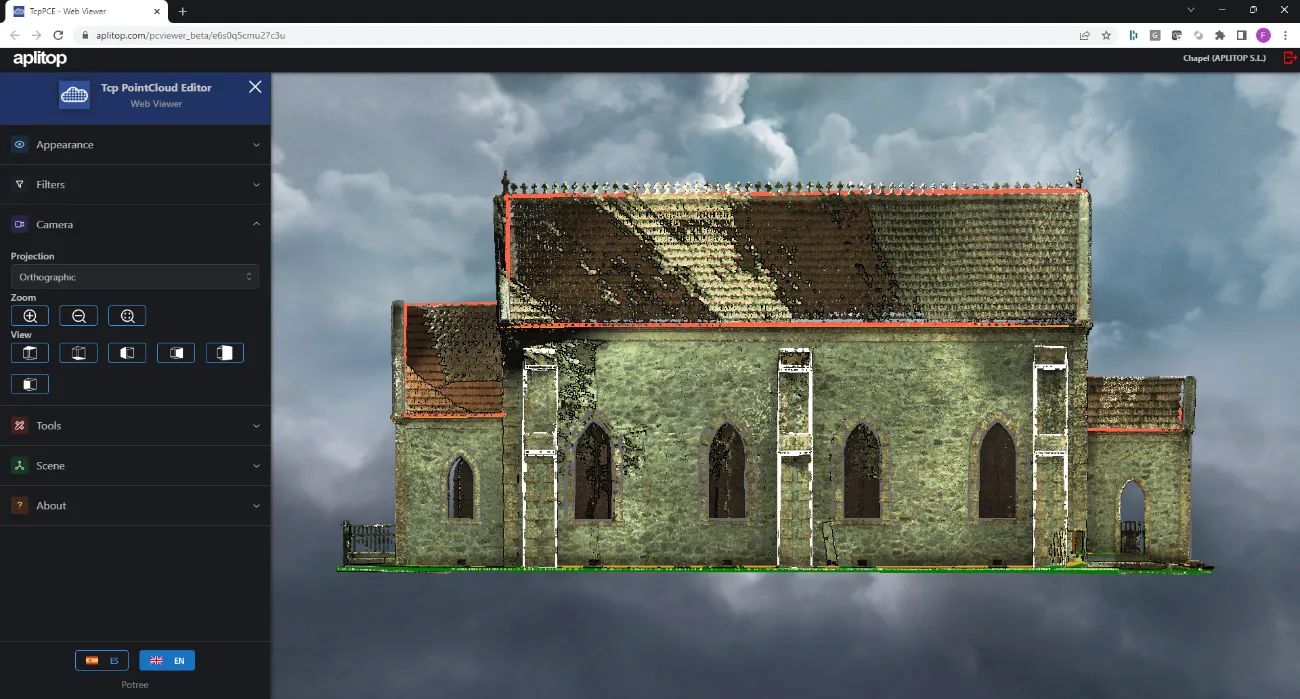
Set Rendering Mode to RGB Color. Expand the Camera panel, select Orthographic Projection and set Right View.
-
Expand the Scene panel to show objects such as Point Clouds and Drawing. Try to turn some of them on or off.