tcpMDT
Creating long section - MDT25
8.3 Creating Long Section
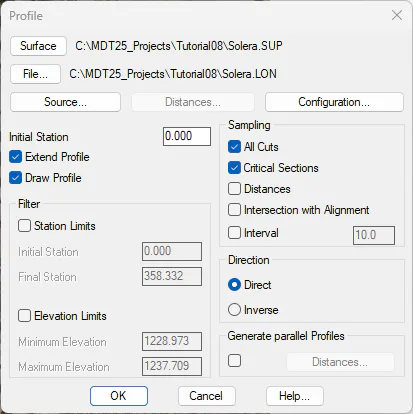
To create a long section, we execute the command Profile> Create Long Section (or Long Sections> Create> Create Long Section). Select the alignment, press the File button and assign the name solera.LON. Check the Critical Sections and All Cuts boxes and uncheck the Interval box. We will also check the Draw Profile box. Press OK.
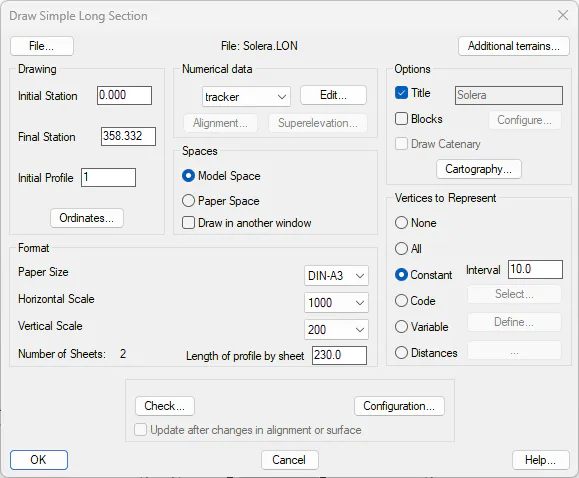
The Draw Simple Long Section command will run automatically. Select Model Space, Title Solera, paper size DIN-A3, Horizontal Scale 1000 and Vertical Scale 200 and Constant with value 10.
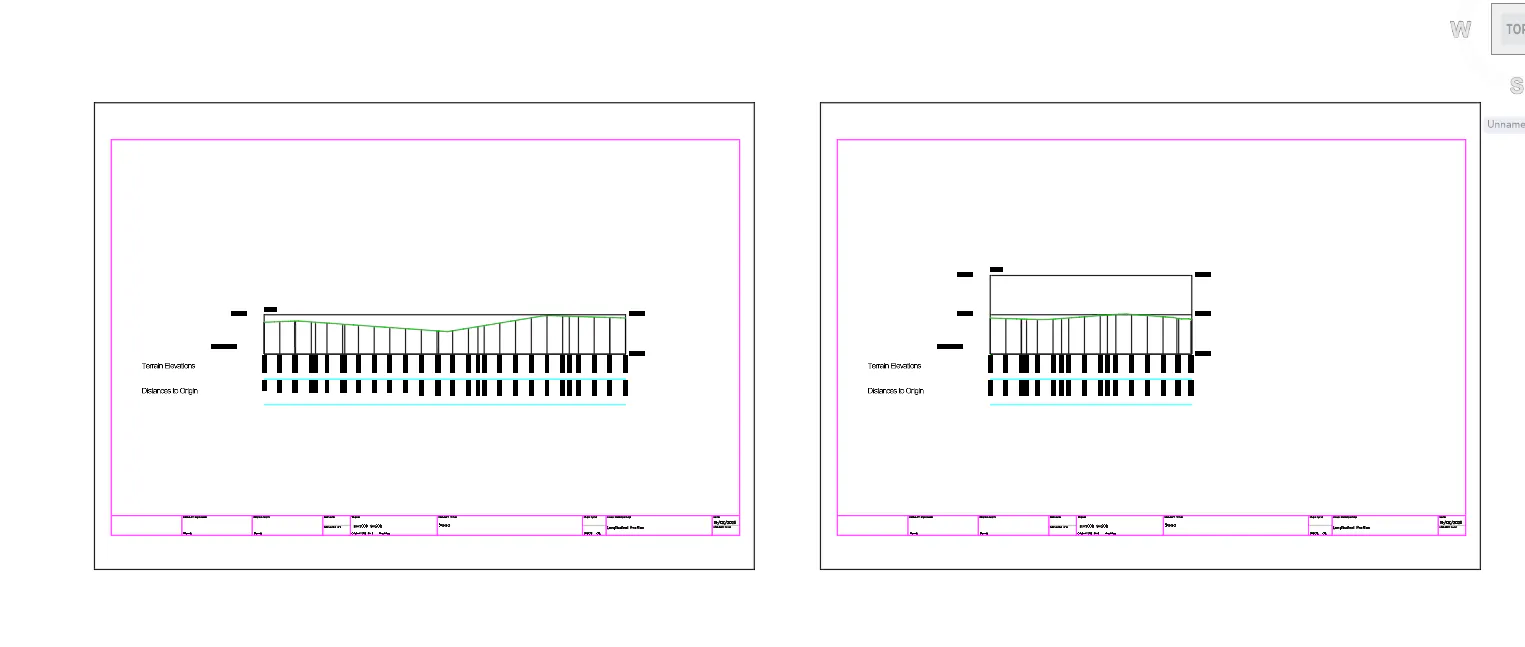
Press OK and select a point in a free drawing zone. The result will be as follows: