
tcpScancyr
Filter by selection - TNSB3
6.4 Filter by selection
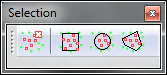
Figure 23 - Filters by selection
This filter is always applicable, you do not need an alignment, nor to have analyzed the points, as only point coordinates are used. It can also be applied whilst you look at the cross sections.
Select: When you activate the selection mode, you can select points by drawing a rectangle within the window displaying the points without the view or perspective you are using mattering.
The first click of the mouse marks the corner of the drawing, whilst the second will mark out the points within the rectangle.
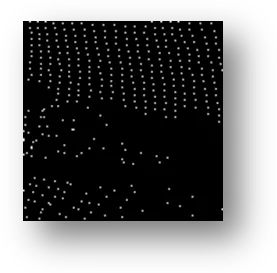
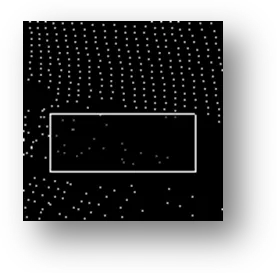
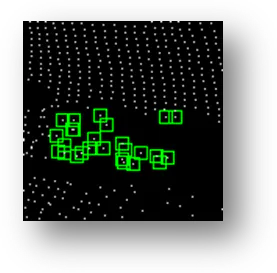
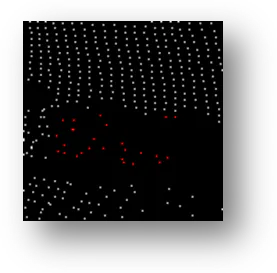
Figure 24 -Example of filter by selection