tcp PointCloud Editor
Importing points - PCE
4.1 Importing points
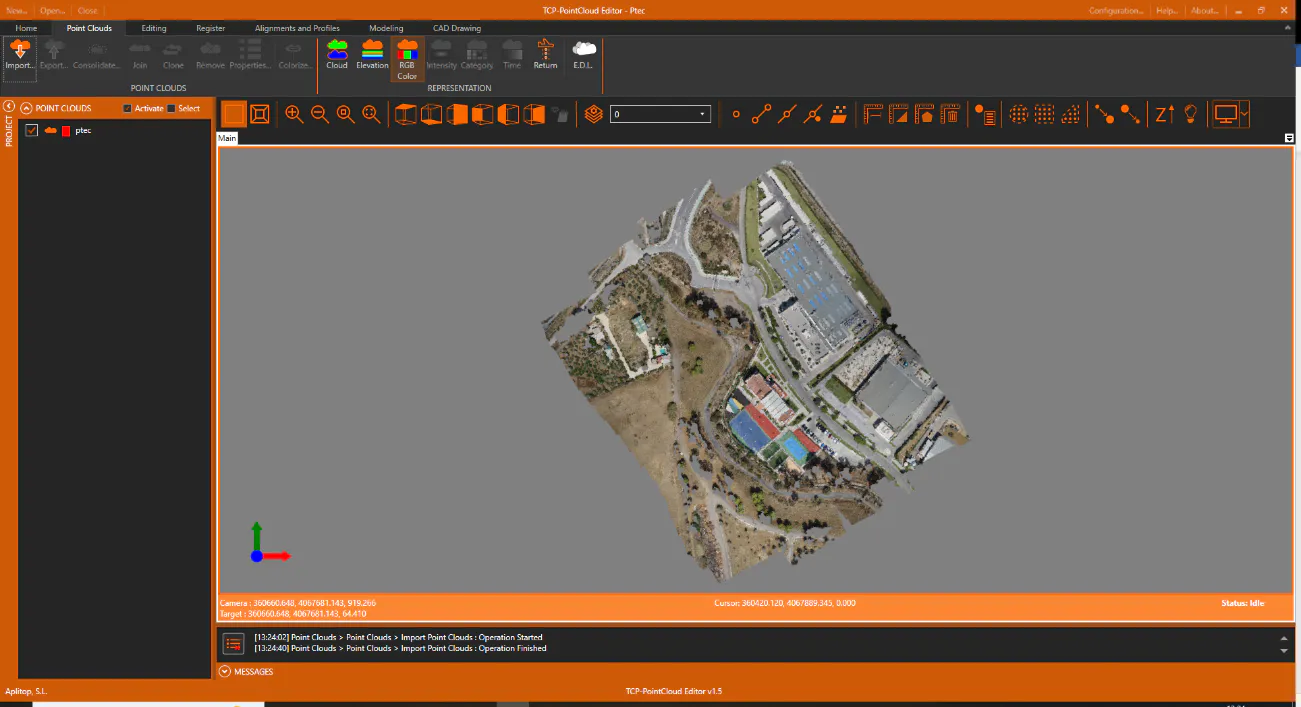
- Activate the Home ribbon and within the PROJECT group click the New icon. Change to the folder chosen for the data files, for example C:\Tcp PointCloud Editor Project and create the Ptec.pce file.
-
Activate the Point Clouds ribbon and within the POINT CLOUDS group run the Import command and then press the FILES button. Select the 3-DRONE\Ptec.las file and press the OK button.