
tcp PointCloud Editor
Panoramic image viewer - PCE
14.3 Panoramic Image Viewer
Description
The Panoramic Image Viewer is available when the project contains panorama images.
To start the viewer, just right click on one of the panoramic images in the project elements panel and select the “Panorama” option, or double click on the sphere representing the panoramic image in the 3d viewer.
Details
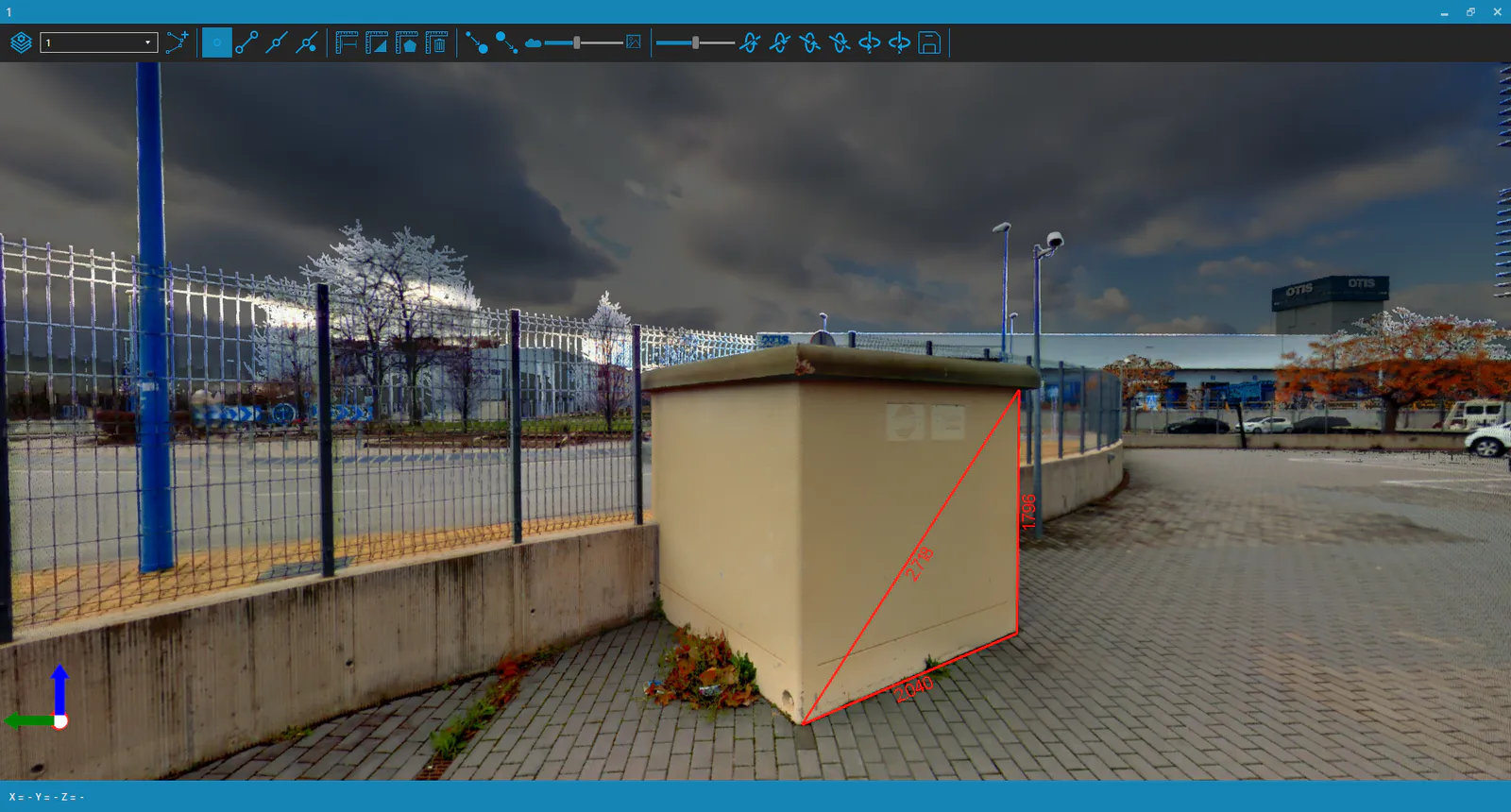
The panoramic image viewer has a toolbar, which allows:
- Drawing tools:
- Manage drawing layers.
- Set current layer.
-
Start 3d polyline drawing.
-
Manage entities references:
- Point Reference.
- End Point Reference.
- Mid Point Reference.
-
Closest Point Reference.
-
Measuring tools:
- Distance.
- 3d Distances.
- Area.
-
Clear Measures.
-
Visualization tools:
- Increase Point Size.
- Decrease Point Size.
-
Image Opacity.
-
Image orientation tools:
- Decrease/Increase Roll.
- Decrease/Increase Pitch.
- Decrease/Increase Yaw.
- Save orientation corrections.
The user can rotate and zoom the viewer, using the numeric keypad and the mouse.
The panoramic image viewer will be synchronized with the application viewer.