
tcp PointCloud Editor
Project panel - PCE
2.3 Project Panel
Description
The project panel is located on the left side of the main window and displays the project elements, grouped by type.
Details
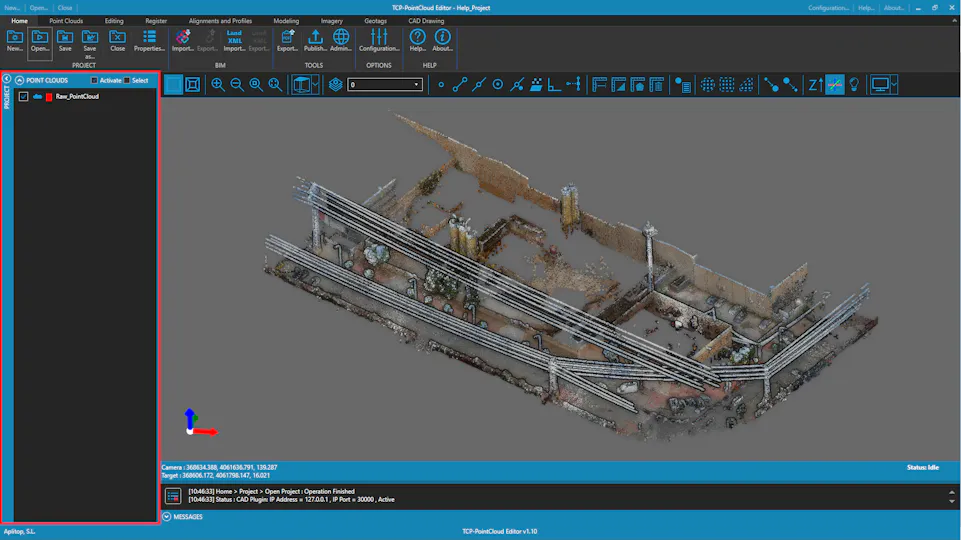
You can expand or collapse the project groups of elements by clicking the arrow button on the left of the group name. You can also activate/deactivate and select/deselect all the elements in a group by clicking the checkboxes on the right of the group name. You can also activate/deactivate and select/deselect individual elements by clicking the checkbox or name of a element in a group.