
tcp PointCloud Editor
Status bar - PCE
2.11 Status Bar
Description
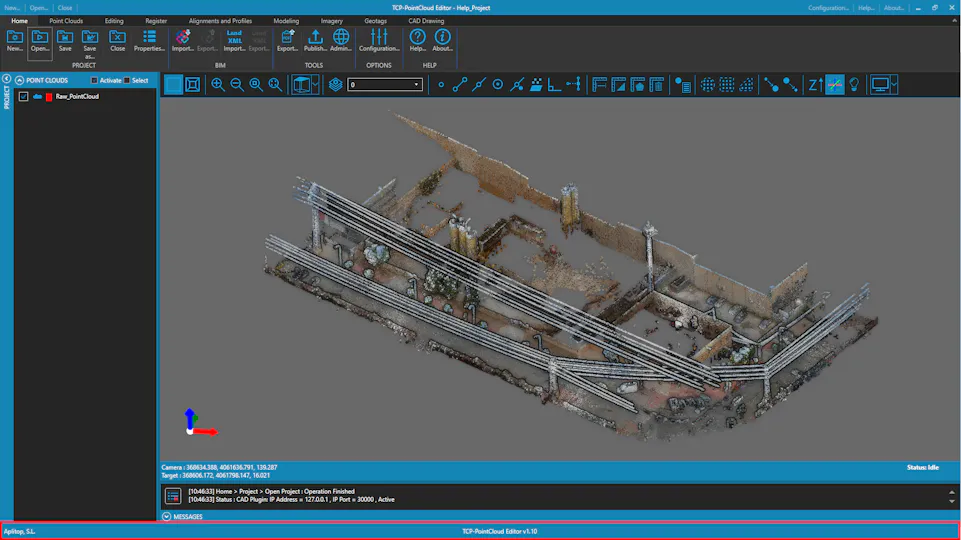
The status bar is located at the bottom of the main window and displays information about the current state of the application.
Details
-
Current Command/Action: This text is displayed on the left side of the status bar.
-
Details: This text is displayed on the center of the status bar.
-
Progress Bar: This bar is displayed on the right side of the status bar and shows the progress of the current command/action.