
tcpMDT
[PRO] list control points - MDT25
15.11 [PRO] List Control Points

A new list containing all the characteristics of the control points selected will be displayed once this command is run. The dialog box is described below.
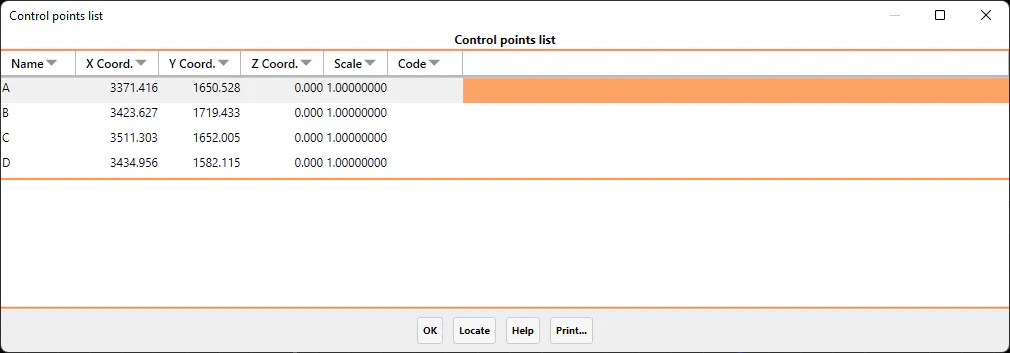
Once on screen, an element on the list can be selected and the Locate button clicked. The program will then enlarge the area surrounding that control point in order to perform subsequent operations (edit, delete, etc.) easier. Additionally, if one clicks on Print, a printed list of the information shown on screen will be obtained.