tcpMDT
Generating compensation report - MDT25
16.2 Generating Compensation Report
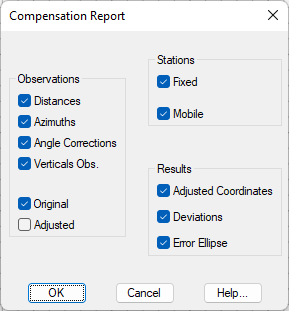
Now press the Print button, leaving the default options enabled and press OK**.
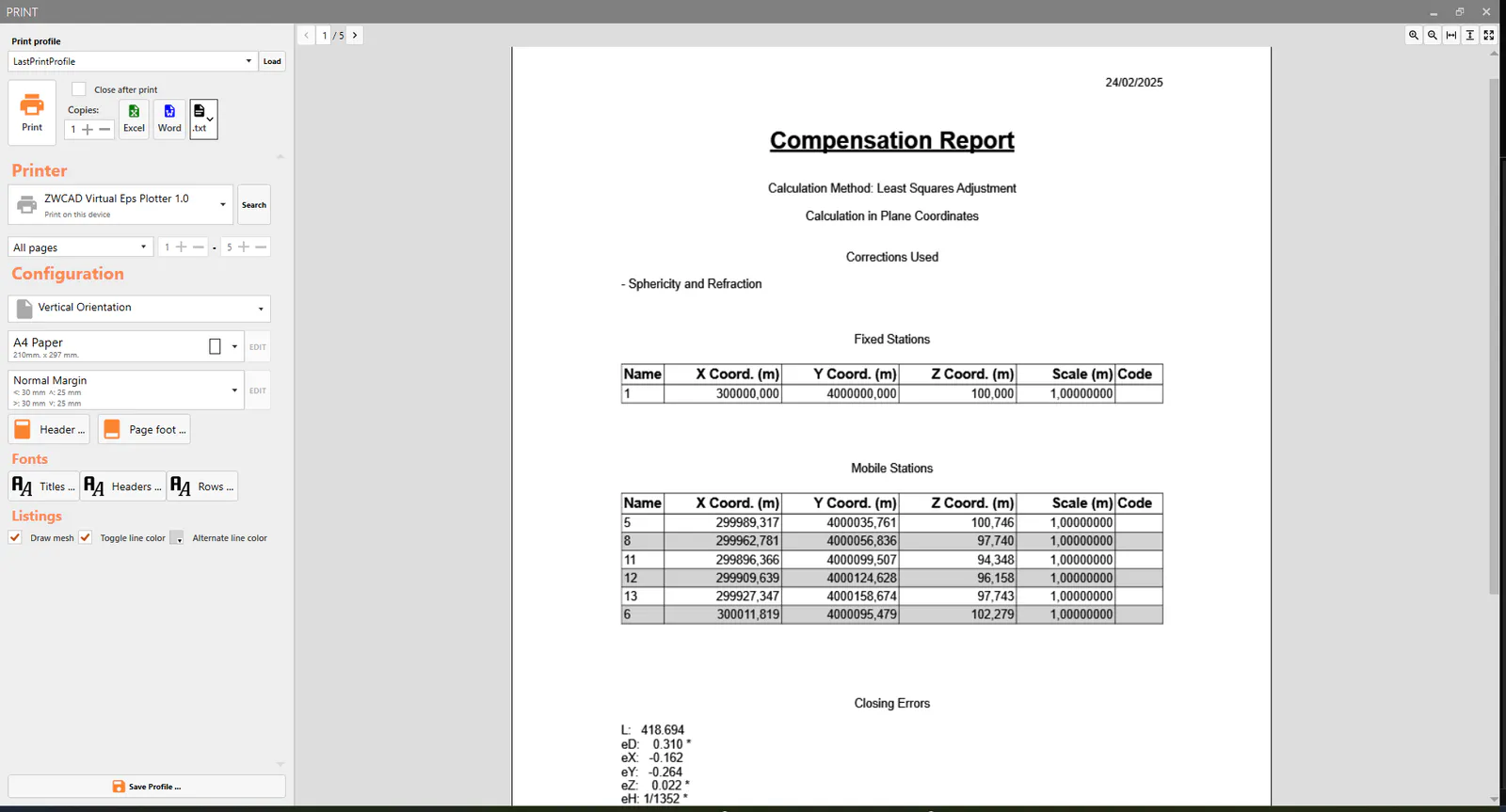
In the next dialog specifying the list destination, press .txt button and give as file name Compensation Report.txt and open the exported file.
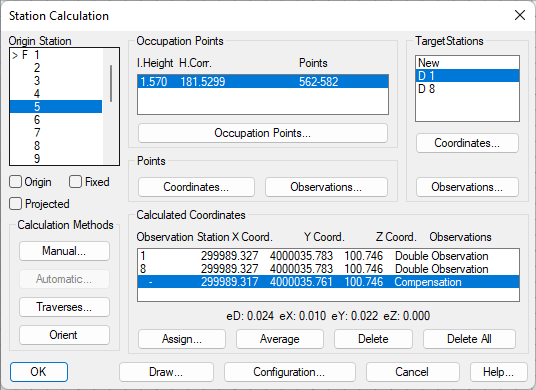
Close the notepad and accept the offset dialogs opened, selecting the command Surveying > Stations Calculation. Select one of the bases involved in the calculation, for example, 5. Check that in addition to the previous coordinates, those produced by the calculation have now been included, also indicating the maximum errors in terms of distance and coordinates.