tcpMDT
Calculating volumes by cross sections differences - MDT25
3.2 Calculating Volumes by Cross-Sections Differences
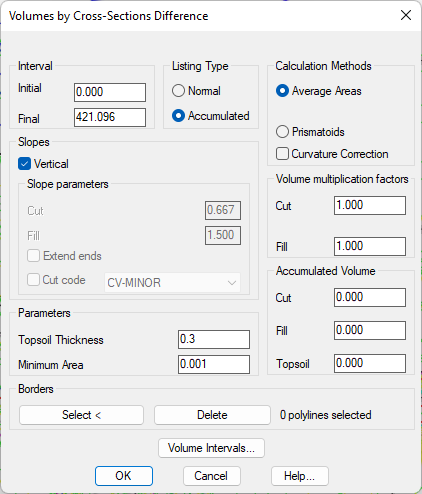
We can obtain the result of the measurement resulting from the difference between the two pairs of profiles, those generated from the surface and those generated from the contour lines with the command Quantity Takeoff> Volumes> Cross-Section Difference (or Quantity Takeoff> Terrain> Cross-Section Difference). A selection window pops up for the first surveyInitial.TRA profile file. After validating it, choose the second surveyFinal.tra. Then, the following dialog box appears where the area and volume report is configured. 0.000 will appear as Initial Station since it is the first cut common to both profiles. Set 0.3 as Topsoil Thickness value.
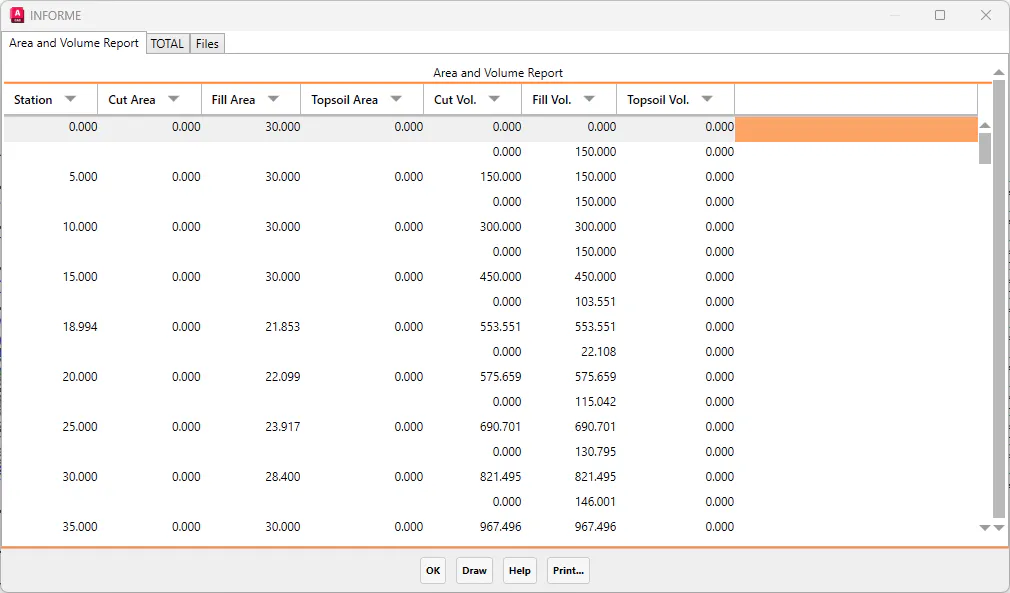
The program will calculate the cut and fill volumes, by displaying on screen a list of the partial and accumulated areas and volumes.
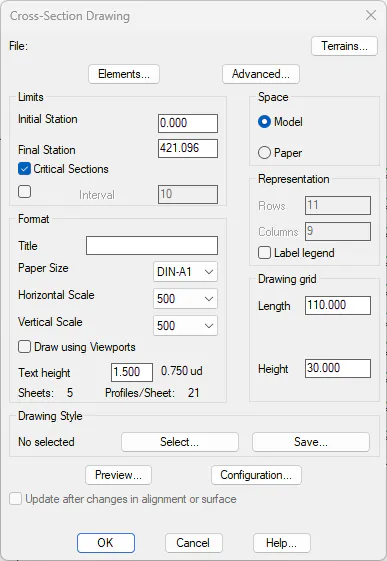
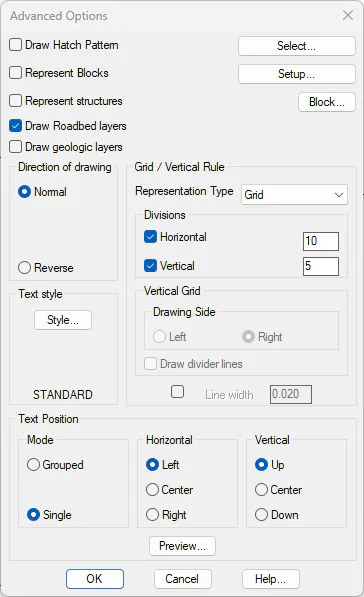
Press the Draw button, select DIN-A1 format, Model drawing space, Horizontal Scale 500 and Vertical Scale 500. In Advanced we establish the cell size, specifying in Horizontal and Vertical, divisions of 10 and 5 meters respectively.
 |
 |
|---|---|
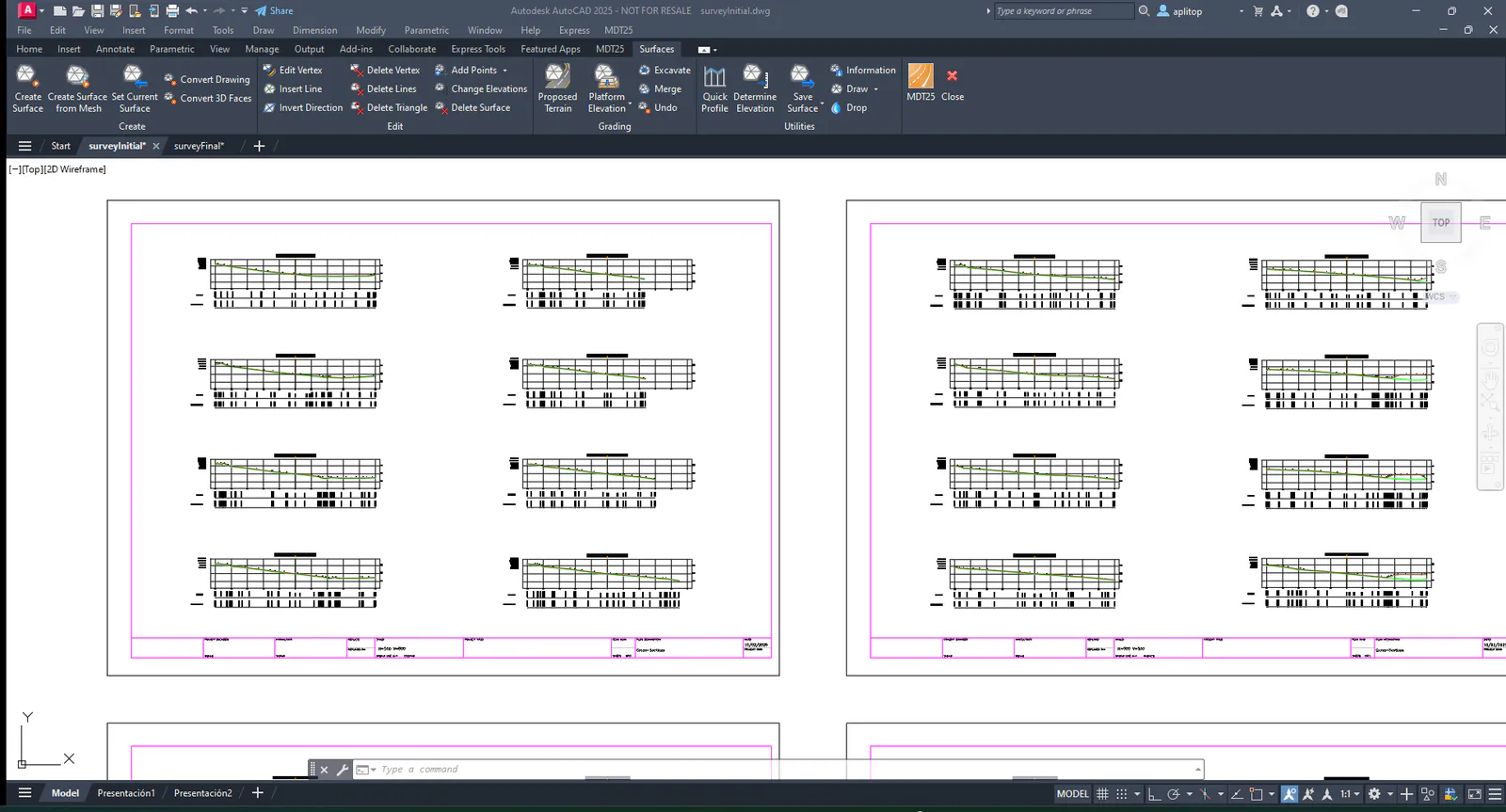
Set the parameters for the drawing settings, press OK and select a clear area of the drawing, and the profiles will be automatically represented.