
tcpMDT
Assigning work units to pavement layers - MDT25
21.2 Assigning Work Units to Pavement Layers
We are going to work from a predefined road by executing the Templates > Create/Edit (or Templates> Create> Create/Edit) command and select the Road.seg file.
We go to the Roadbeds tab and edit the pavement layers by pressing the button with this name. The following configuration will appear.
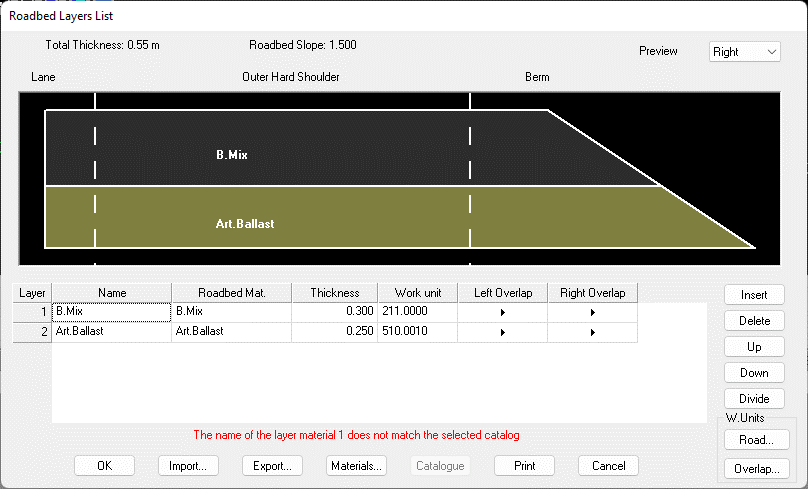
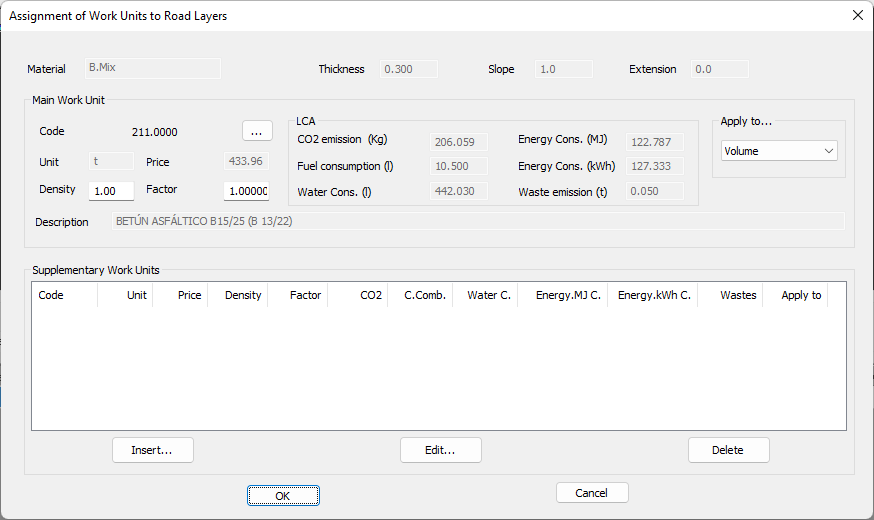
We select the B.Mix layer and click on the Road button in W.Units frame. We assign the work unit the code 211.0000.
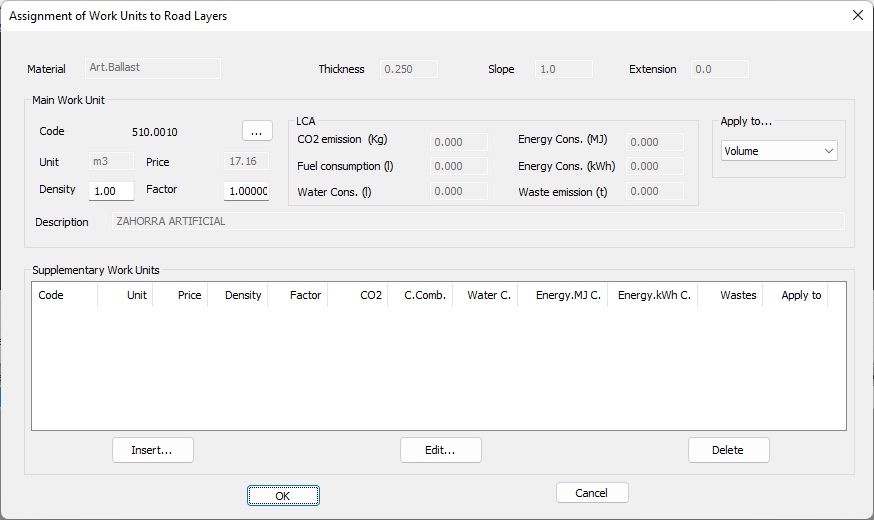
We also proceed with the "Art.Ballast" layer and assign it the work unit with code 510.0010.
Validate all changes.