
tcpMDT
Creating plots - MDT26
5.1 Creating Plots
In this exercise, we're going to explore the tools MDT offers for managing plots. Start by opening the drawing Plot.dwg in the folder C:\MDT26_Projects\Tutorial05.
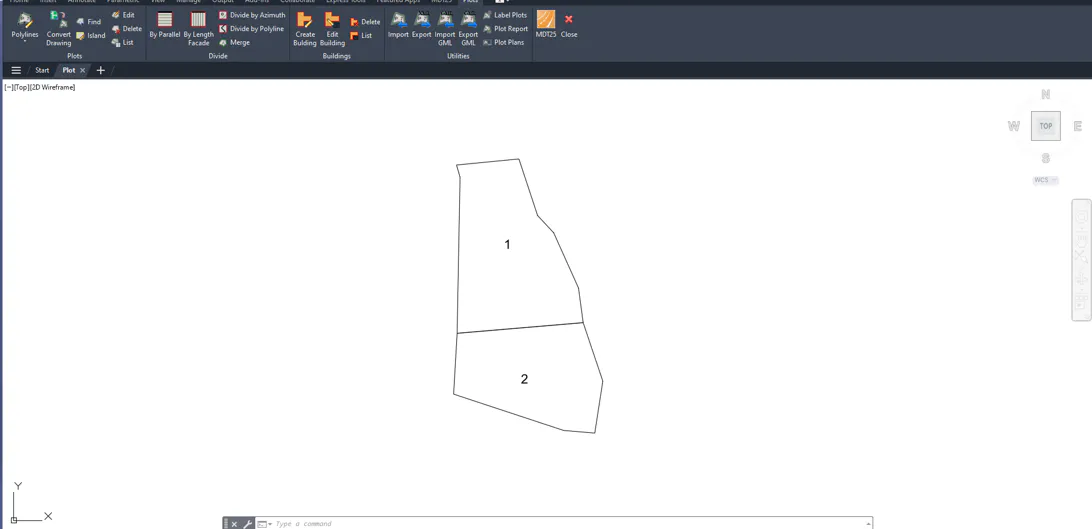
Run Plots > Convert Drawing Plots. In the dialog, select the Limits layer for the polygons that define the plots and Names for the texts containing the names of the respective plots.
Press Accept and use the CAD tools to hide the Limits and Names layers. New layers have been created and the name and area of each plot have been labelled.
Run Plots > List and the list of plots in the drawing will be displayed.