
tcpMDT
Other calculation procedures - MDT26
15.4 Other Calculation Procedures
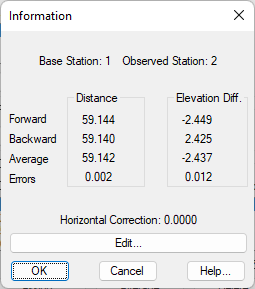
The Surveying module also allows the survey calculation to be performed with more control. We will manually calculate two stations. Select station 1 in Origin Station list and station 2 in the Target Stations list. Press the Manual button. The program show the information from the observations from 1 to 2 and from 2 to 1, as well as the distances and elevation differences both forward and backward, with their associated disorientation.
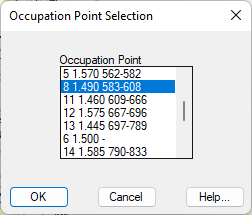
Now choose the Surveying > Utilities > Resection command. Select station 8 from the list of occupation points and press OK.
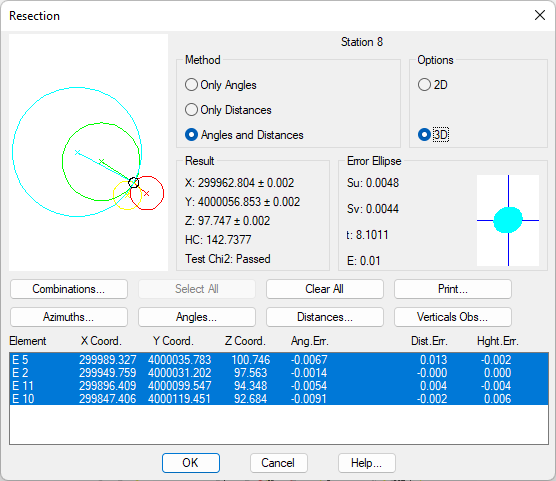
Choose the Angles and Distances method and in Options select 3D. Observe the representation of angles with respect to the desired station, error ellipse and station 8 station coordinates. Press OK.
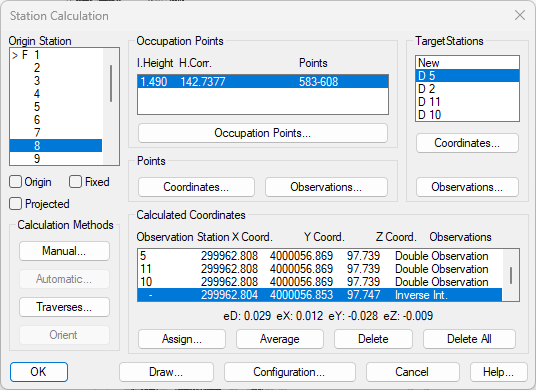
Using again the Station Calculation command and selecting 8 as the station of origin, we can see how the new solution for the existing coordinates is presented.
Record if you want the drawing as network.dwg in the same folder as the project.