
tcpScancyr
Superelevations - TNSB3
4.3 Superelevations
A superelevations file for the project can be included, assigning a file or keying in data in the "Superelevations" tab in the main window.
By clicking on "New" or "Edit", a dialog box will appear allowing you to enter superelevations data. If you accept the superelevations they will be reordered in "Station" order.
By clicking Insert you can add a new row before the current row. The Station new row should be assigned to the mid-point between the previous and the current row, with the superelevations are inserted between the two rows.
To add more data, go to the last row and click on "Cursor down", and a new line for adding more data will appear. If you leave the new line without changing anything, it will be deleted automatically.
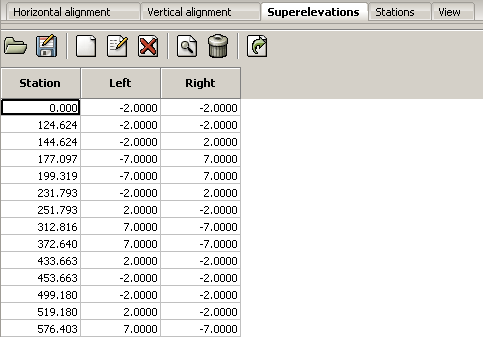
Figure 8 - Superelevations Alignment
If you click on the vision tab you will see a graphic representation of the superelevations.
When you move the cursor the application will analyze coordinates and show information from the analysis on the status bar.
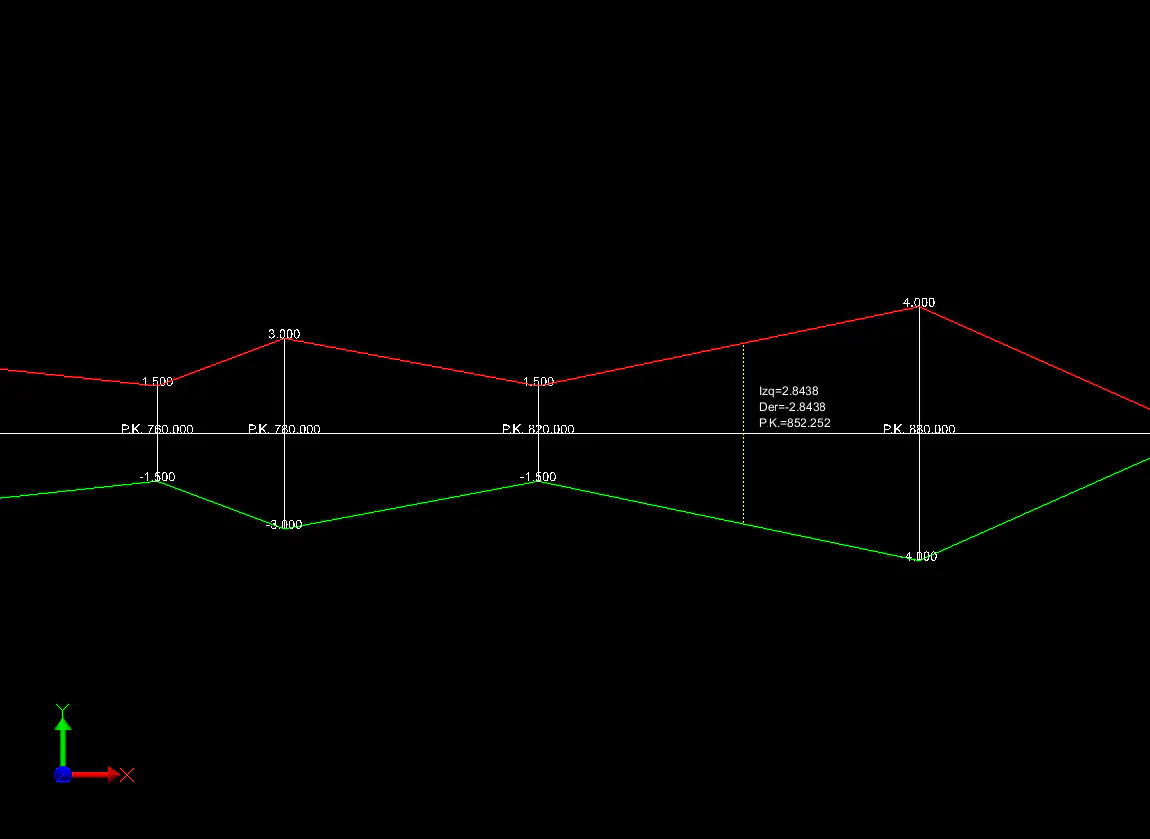
Figure 9 - Graphic representation of superelevations