
tcpScancyr
Vertical alignment - TNSB3
4.2 Vertical alignment
The application allows gradients in the alignments format MDT (*.RAS), as well as permitting alignments to be imported in other formats using the "File -> Import" option.
You may also key in the gradient data in the main window, activating the "Vertical alignment" tab.
To enter a gradient, first add the "Station" and the "Heights", and the application will automatically move the cursor in these two columns. You may then change the agreement data.
The application will calculate if there is any overlap lapel between the different sections, and the cell where the overlap occurs will be shown in red.
To add more data, go to the last row and click on "Cursor down", and a new line for adding more data will appear. If you leave the new line without changing anything, it will be deleted automatically.
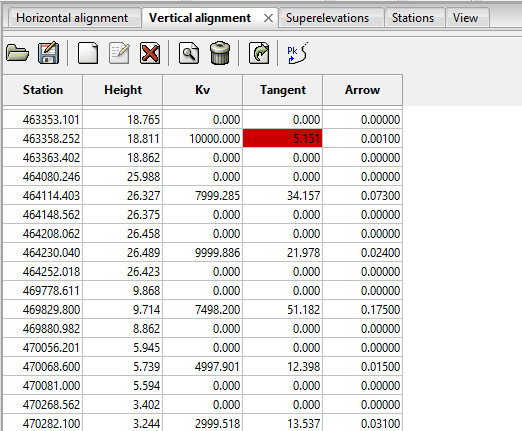
Figure 6 - Gradient alignment with overlap
If you click on the vision tab you will see a graphic representation of the vertical alignment.
When you move the cursor the application will analyze coordinates and show the height and incline which corresponds to the cursor position on the status bar.
The following layers appear in the representation:
Short marks: Draws a vertical line from the minimum height to the gradient height. The distance between these marks is configurable.
Long marks: Draws a vertical line from the minimum height to the gradient height. The distance between these marks is configurable.
Unique points: Draws a vertical line at the following points:
-
Station - tangent
-
Station + tangent
-
Station if the tangent equals zero.
Guitar: Layer showing separation lines and legend.
Upper ground spot height: Represents the maximum height of the intersection of the vertical that passes through the alignment and cross sections.
Lower ground spot height: Represents the minimum height of the intersection of the vertical that passes through the alignment and cross sections.
Gradient: Graphic representation of the gradient.
Real gradient: Graphic representation of the gradient calculated from cross sections and the tunnel template.
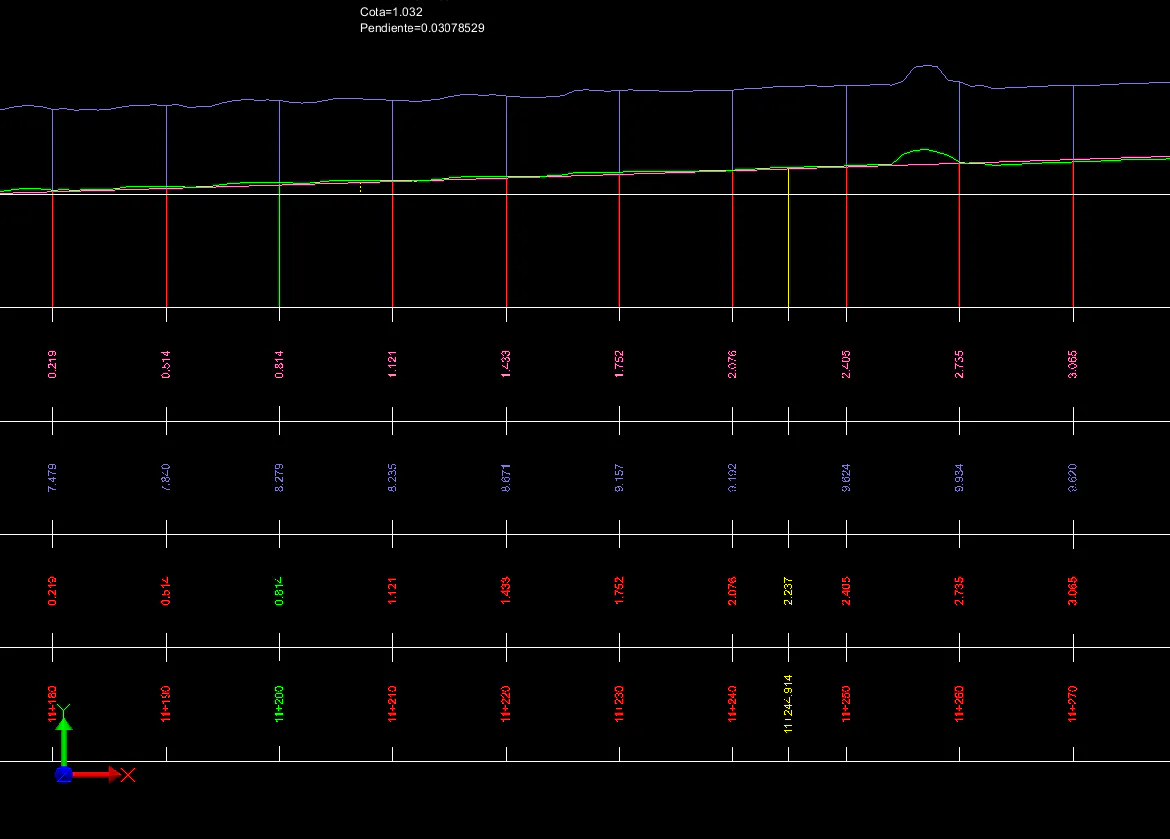
Figure 7 - Vertical alignment