
tcpScancyr
Import templates - TNSB3
11.2 Import Templates
Templates can be imported from TcpTunnel (*.TNL) and DXF files. It is recommendable that DXF files are not too complex, if possible containing only the template as the application does not recognize all DXF file entities.
Having imported a section, this will appear in a tab featuring the name of the file. You may use cut and paste commands to assign it to a specific layer. In the case of importing a TcpTunnel file, as it may contain more than one section, the application will open a tab for each file section.
In order to pass the imported sections to a layer, you will have to use the clipboard, using cut and paste options. You may also use... 25.13
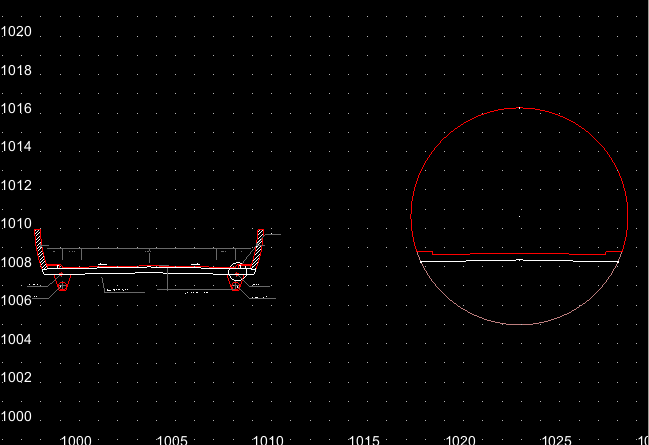
Figure 48 - Imported DXF File
[TcpScancyr Advanced] It is also possible import cross sections from the MDT format (".TRA"). This option can be accessed from the "Tunnel" menu, in the principal window. When you select the "Tunnel-> Import templates" the program will ask you for a template file, a vertical alignment file and you will can choose between open or closed templates.
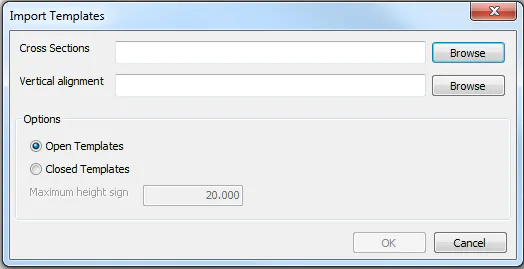
Figure 49 -- MDT templates import dialog