
tcpTunnel Scan
Codes database - TSCAN1
9.7 Codes Database
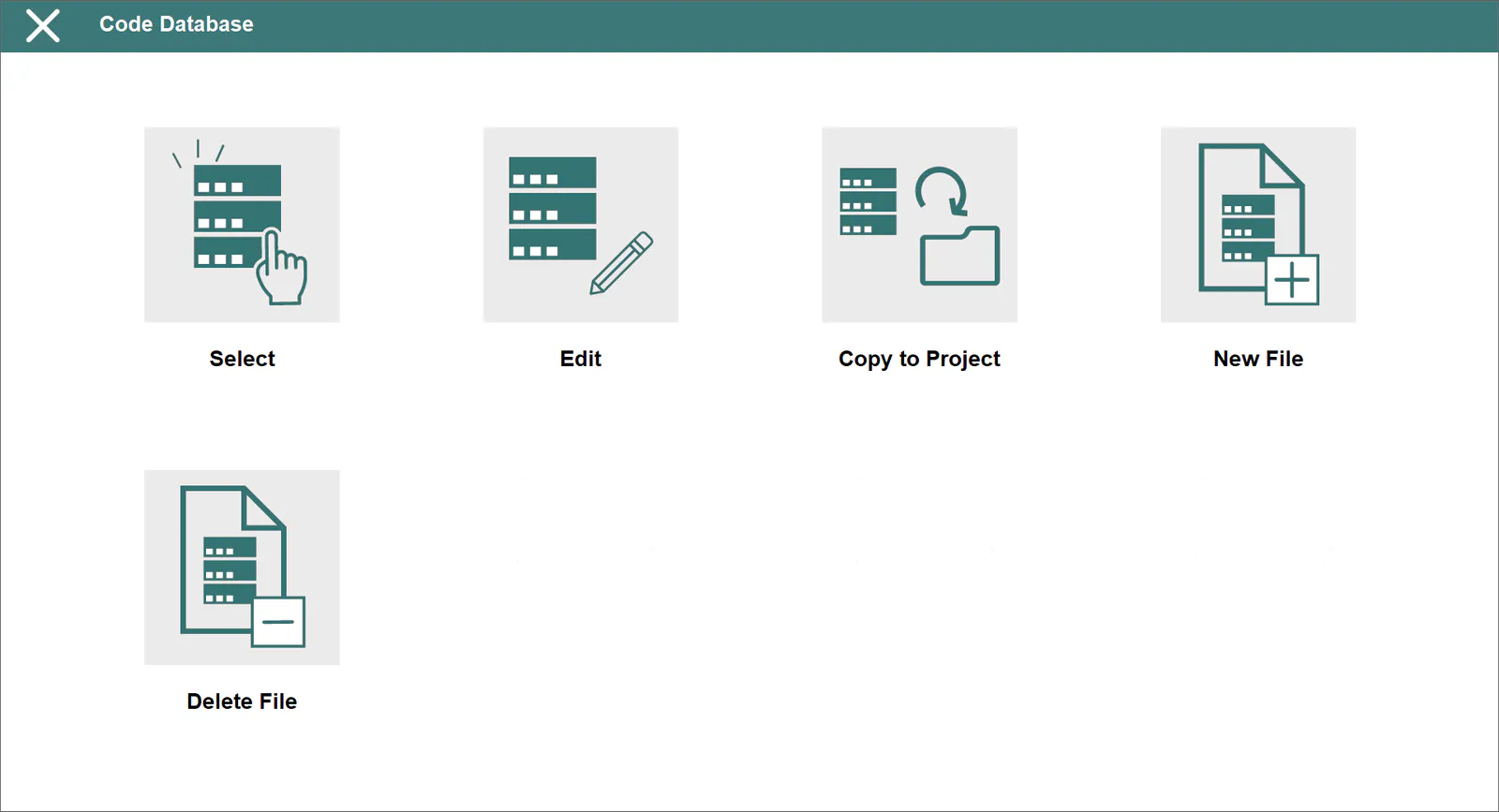
Allows one to view and modify the database that stores the codes available in survey points option.
Select
This allows the selection of the data base file which will be used in the different program options.
Edit
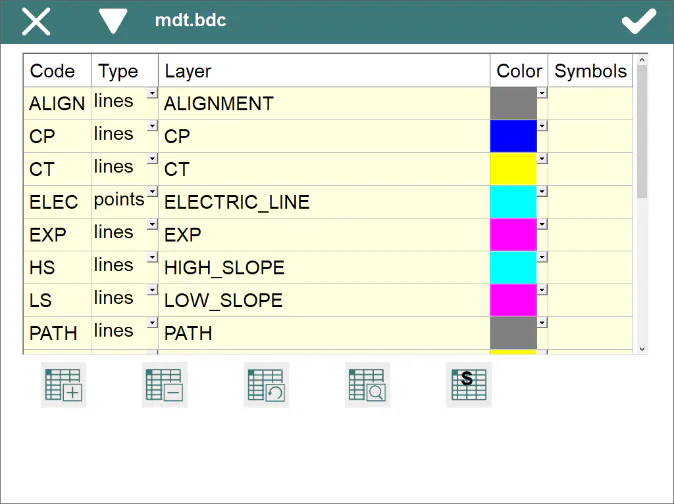
This allows the editing of the database codes. This database is shared by several programs from Aplitop. TcpTunnel Scan only uses the Code field within Survey > Points. The database contains the following fields:
Code: Code name which will be stored in the points file.
Type: Code type which may be Point or Line. Point type elements are usually associated in the subsequent drawing in CAD with a block (posts, utility boxes etc.) whilst those of the line type are used to connect some points with others by means of polylines.
Layer: Layer on which the corresponding blocks or polylines will be drawn.
Color: Color of the entities drawn.
Symbol: For point type codes reference is made to the symbol which will represent the code in the different graphic options of the application. Each symbol will be drawn on a layer with the code name it represents so that said layer can be managed on the list of layers of the graphic option.
Copy to Project
This option allows the current data base of the application to be copied to the active project directory. A screen will be shown requesting the new name.
New File
This allows a new data base file to be created. The new file will be established as the current data base of the application.
Delete File
This allows the active data base file to be deleted if it is not the file which incorporates the program by default, MDT.bdc