
Support
Program Details
Select a program to view detailed license information.
When you expand the dropdown bar, you will see a section like this:
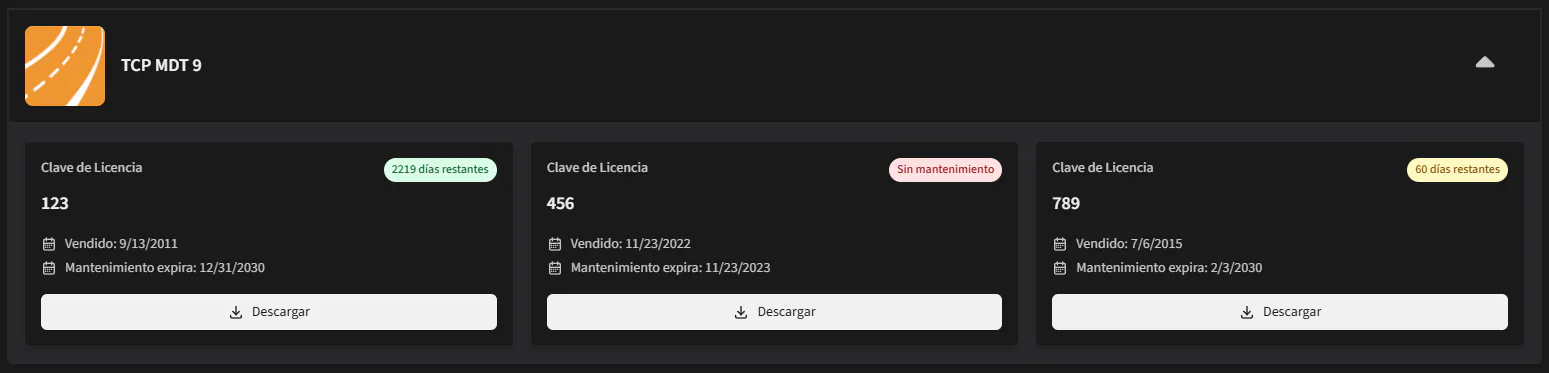
This section displays detailed information about all serial numbers for your selected program, including the maintenance expiration date and whether your maintenance is active. The remaining maintenance days are visually indicated with colors: green, yellow, or red, depending on the status. Additionally, a download button is provided to facilitate access to the software or its updates.