
Support
Reset Password
Improve your account security by resetting your password whenever necessary. Choose a strong password to protect your information.
If you need to reset your password, you can do so from the same view as the profile editing:
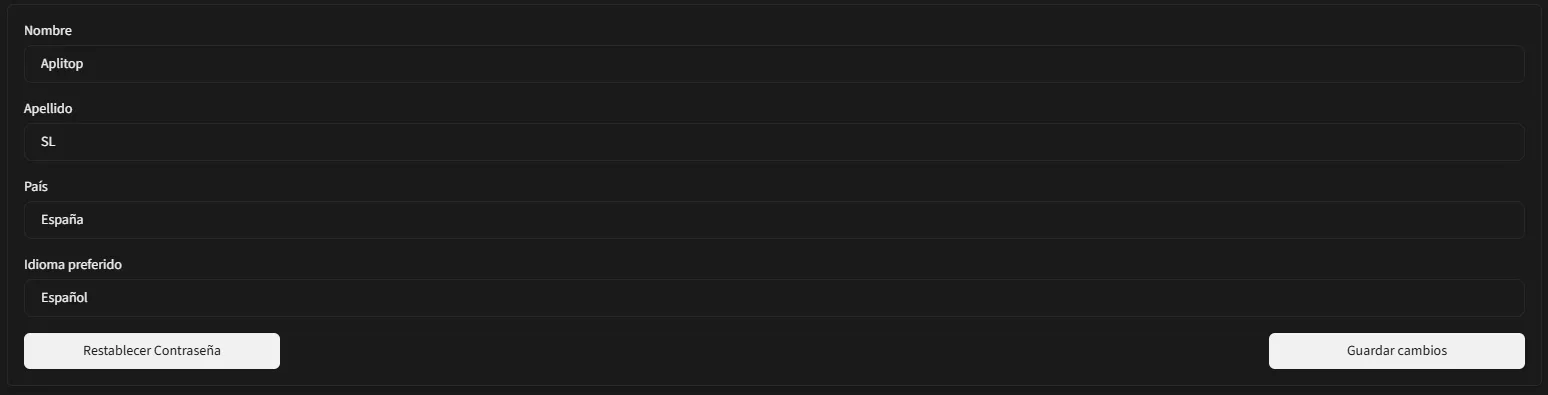
Simply click the corresponding button. When you do, a confirmation message will appear asking you whether you want to continue resetting your password:

If you confirm by selecting 'Reset password', an email will be sent with instructions to update your password, including a link where you can enter and confirm it.