
tcp PointCloud Editor
Geotags manager - PCE
12.4 Geotags Manager
Location
- Ribbon menu
- Geotags
- GEOTAGS
- Manage (Manage Geotags)
Description
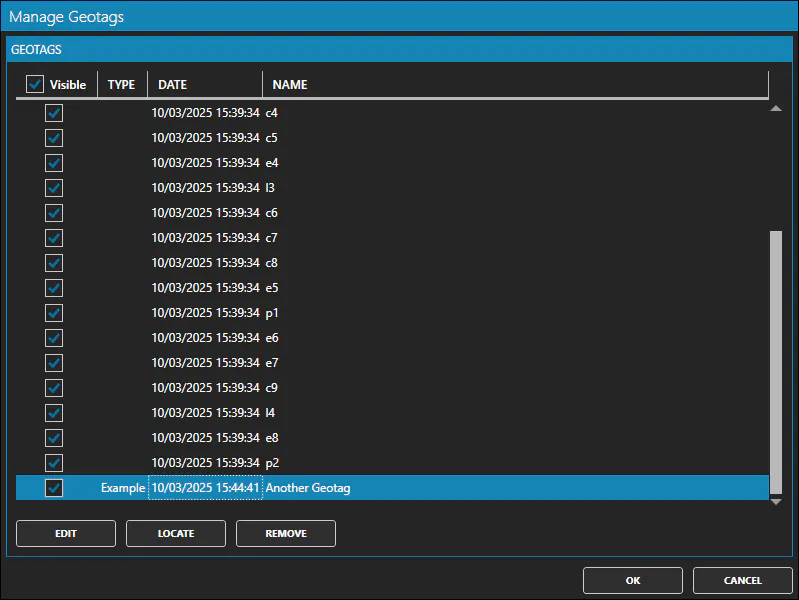
This command displays the geotags manager window.
The window displays a table with all the geotags of the project.
Details
How to use
In the Manage Geotags window you can: * Mark as visible/invisible the geotags you want or all.
-
Select one or more geotags in the table with the mouse and using the Ctrl and Shift keys.
-
Edit: to edit the information of the selected geotag.
-
Locate: to set the camera position of the 3d view close to the selected geotag.
-
Remove: to remove the selected geotags.