
tcp PointCloud Editor
Vertical element definitions manager - PCE
12.6 Vertical Element Definitions Manager
Location
- Ribbon menu
- Feature Extraction
- VERTICAL ELEMENTS
- Manage (Manage Vertical Element Definitions)
Description
This command displays the vertical element definitions manager window.
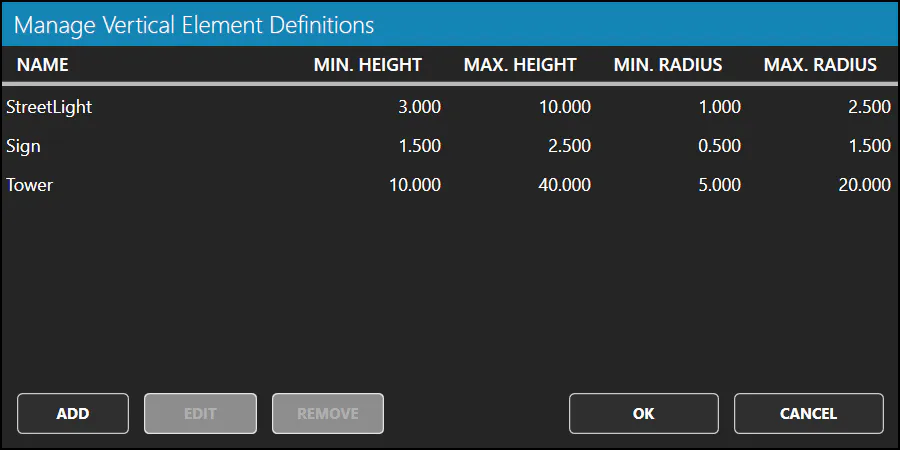
The window displays a table with all the vertical element definitions of the project.
A vertical element definition is composed of: * Name: Name of the vertical element definition. The type of element. * Minimum height: Minimum height of the vertical element. * Maximum height: Maximum height of the vertical element. * Minimum radius: Minimum radius of the vertical element. * Maximum radius: Maximum radius of the vertical element.
Details
How to use
In the Manage Vertical Element Definitions window you can:
-
Select one vertical element definition in the table with the mouse.
-
Add: Create a new vertical element definition.
-
Edit: to edit the information of the selected vertical element definition.
-
Remove: to remove the selected vertical element definition.