
tcp PointCloud Editor
Colorize point clouds - PCE
5.8 Colorize Point Clouds
Location
- Ribbon menu
- Point Clouds
- POINT CLOUDS
- Colorize (Colorize Point Clouds)
Description
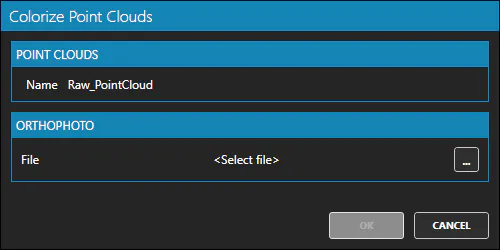
This command assigns RGB color attributes to the selected point clouds, using an orthophoto. Available orthophoto formats are ECW, JPG and TIFF.
Parameters
Use cases
- When you have an uncoloured point cloud, but an orthophoto of the area is available.
Remarks
- This command is only active when at least one point cloud is selected in the point cloud panel of the project.