
tcp PointCloud Editor
Control points manager - PCE
8.1 Control Points Manager
Location
- Ribbon menu
- Register
- CONTROL POINTS
- Manage (Manage Control Points)
Description
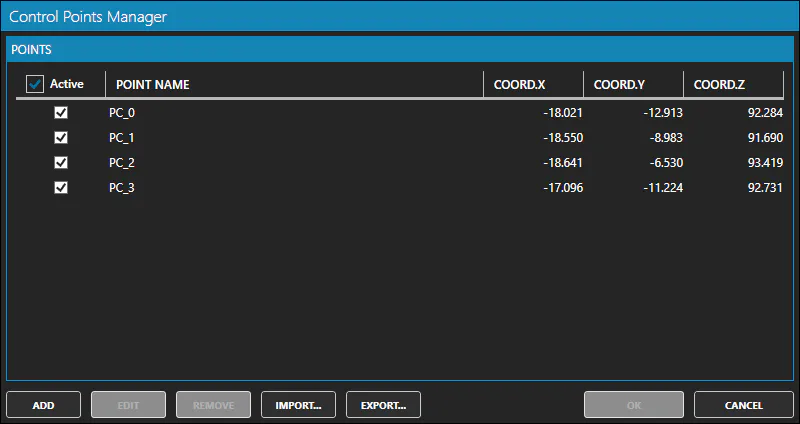
This command displays the Control Points Manager window.
Control points are used to align point clouds by binding point cloud points with control points. This is done using the Transform Point Cloud command.
In the 3D viewer the position of each control point is shown by a small flag.
You can customize the control points representation in the Application Configuration.
The window displays a table with all the control points of the project.
Details
How to use
In the Control Points Manager window you can: * Mark as visible/invisible each control point.
-
Select one or more control points in the table with the mouse and using the Ctrl and Shift keys.
-
Add: to create a new control point. You should provide a name and 3d coordinates for the new control point.
-
Edit: modify the properties of the selected control point.
-
Remove: to remove the selected control points.
-
Import: to import several control points from a ASCII text file (.pun).
-
Export: to export all the control points to a ASCII text file (.pun).