
tcpGPS
Creation of a new project - GPS v2
4.2 Creation of a new project
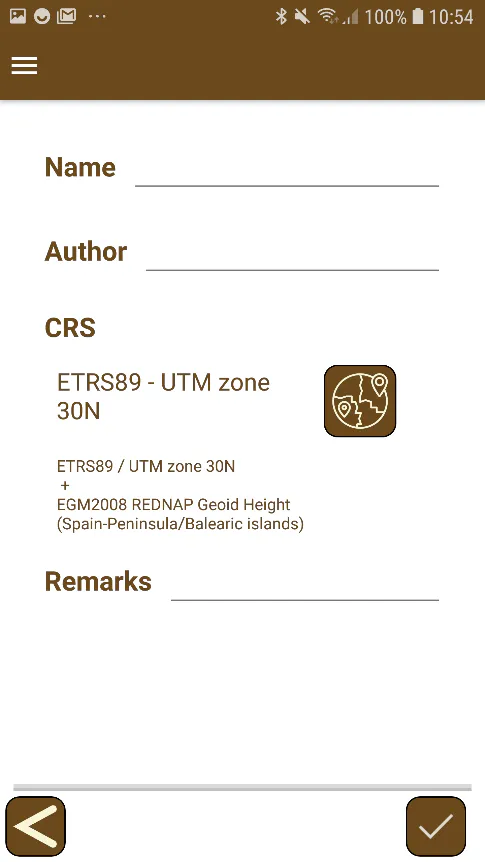
If the option to create a new project is selected, the application will display the screen shown in the Figure 20. It will request:
The Project Name
The Author of the job.
Project information with the last update date and the number of points.
Descriptive, informative comments or relevant project data.
A Coordinate system that will be used for the job.
Once all the data has been entered, the project will be load and the application will be entered in Survey mode.
 |
|---|
Figure 20. Project creation |