
tcpGPS
Project options - GPS v2
4.1 Project options
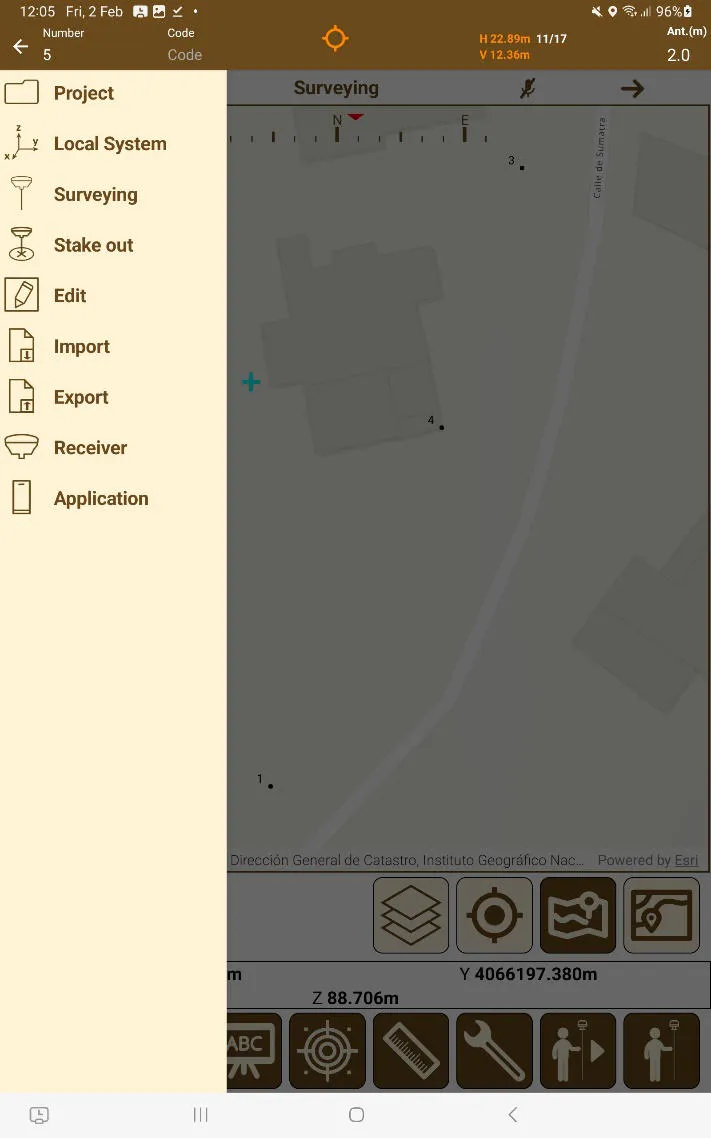
The Project submenu can be found on the menu, which allows you to choose one of the following options:
 |
|---|
Figure 18. Main menu |
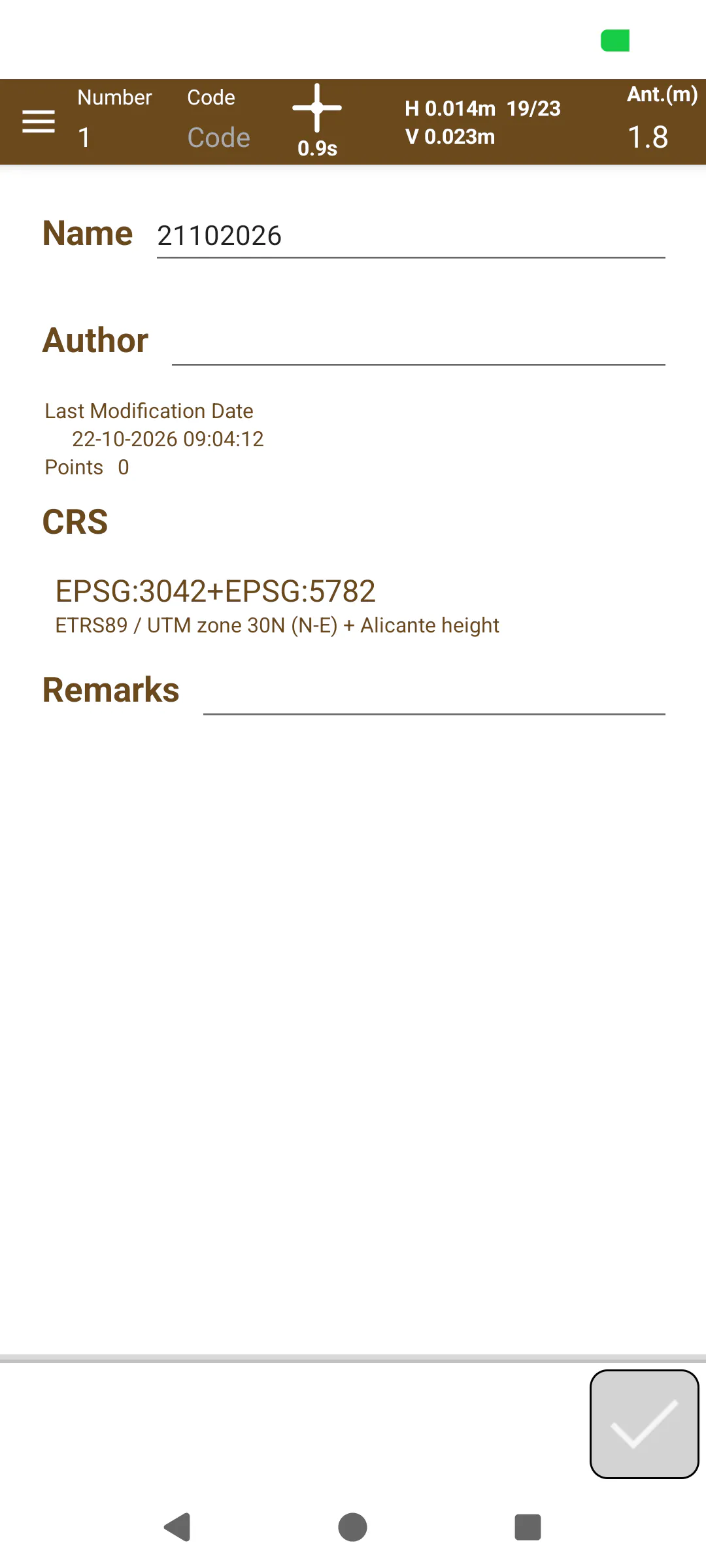
Information: On this screen you can consult the properties of the project (the name, author, coordinate system, etc.). As well as the local system, if any is applied. If the user wishes to swap between pre-existing local systems they can do so.
New project: Allows a new project to be created, as it is described in section Creation of a new project - GPS v2 .
Open: Allows you to choose another project to work on.
Properties: Allows to configure project-specific settings such as precision thresholds.
 |
|---|
Figure 19. Project information screen |