tcpMDT Photovoltaic
Edit tracker in elevation - PV25
7.4 Edit Tracker in Elevation
With this option we have the possibility to graphically change the grade of the tracker. Previously it is necessary to have it drawn with the option to Draw tracker in profile view.
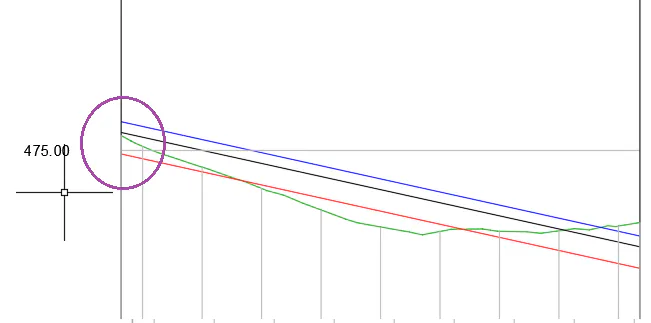
Once the command is executed, it will ask us for the vertex of the grade and interactively we will be able to set the new position in elevation of the same. Once the new position is selected, the profile will be automatically redrawn with the position of the updated clearances.
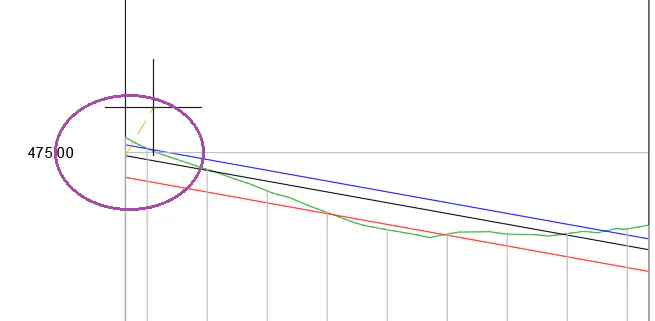
In the previous image we can see that the upper clearance is not complied with in several situations, so we make a vertical displacement of the initial vertex of the grade so that it is approximately at the same level as the longitudinal one.
The shape drawing will update automatically, as well as the segment associated with the tracker.