tcpMDT
Modify contour lines - MDT25
6.7 Modify Contour Lines
This tool is of great use to manually modify a polyline's vertices. The program requests the polyline to be modified and one then has to choose between two methods. How each method works is explained below:
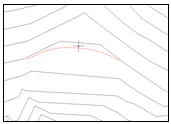
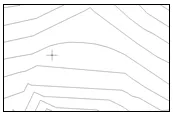
Polyline: If this method is chosen, the program will additionally request a polyline to be used as the reference to modify the original. The end vertices of the second polyline will be joined to the vertices nearest to the original polyline, while all the intermediate vertices are removed. The result of applying this method can be seen below:
Before executing the command:
After executing the command:
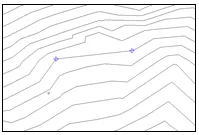
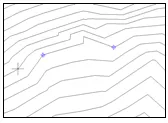
Points: If this method is chosen, the program will additionally request two points on the polyline. From these points, the program eliminates all the polyline's intermediate vertices. The result of applying this method can be seen below:
Before executing the command:
After executing the command: