tcpMDT
Defining properties - MDT25
19.2 Defining Properties
After the earthworks, we will associate a series of properties, which will also be exported in the IFC file.
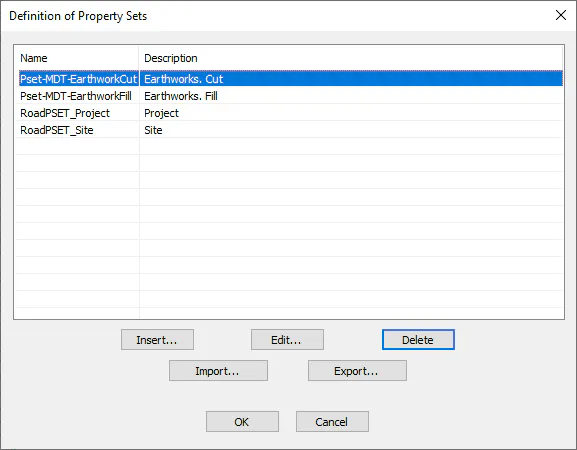
Initially, all existing properties can be displayed by running the command BIM> Definition of Properties Sets. Press the Cancel button to exit without changes.
Then, we assign some of the properties that we have available to the surface. For this, we run the command BIM> Assign Properties, select the Earthwork.mt file and assign:
-
Pset_Earthworks-Cut
-
Pset_ Earthworks-Fill
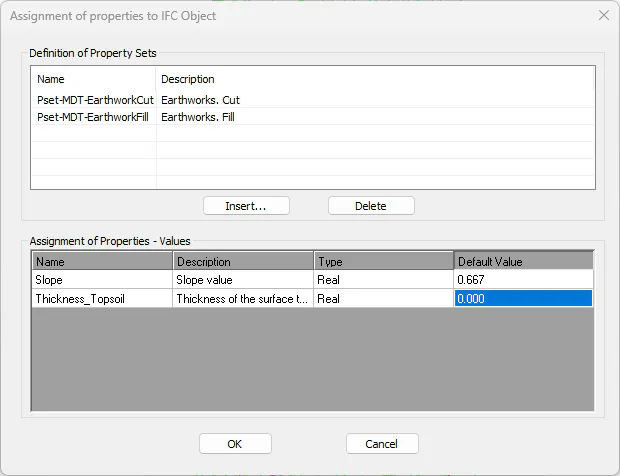
If we select each of the property sets, we can visualize the properties assigned to them, with the possibility of modifying the Value of any of them, so that they are finally reflected in the IFC file.
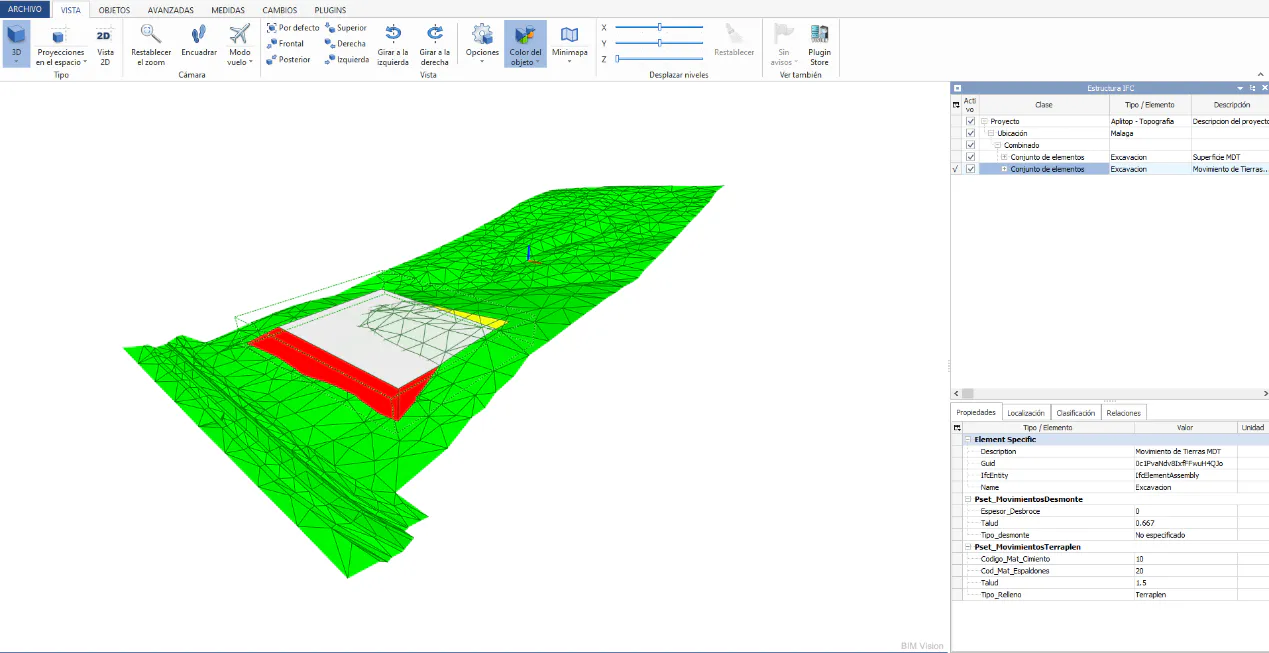
Open the IFC file again with BIM Vision, select some of the 3D solids, and show properties.
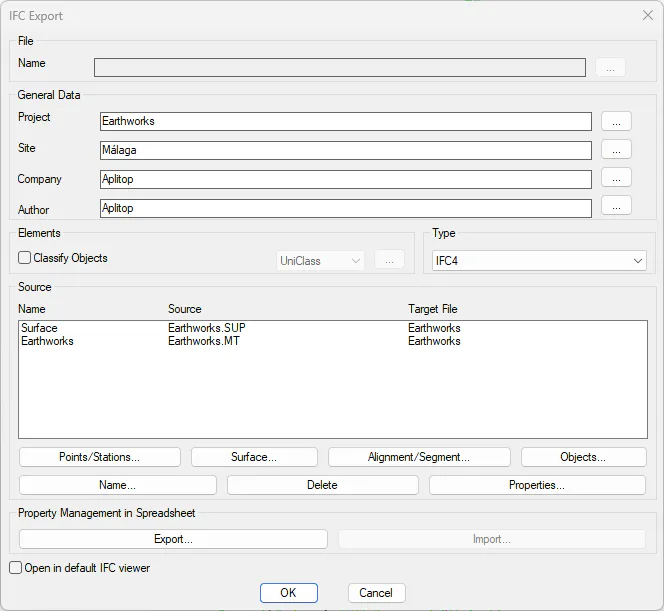
If we click on the Pset_Earthworks-Cut tab, we will observe the Properties associated with the cut earthworks.