tcpMDT
Drawing platform - MDT25
12.1 Drawing Platform
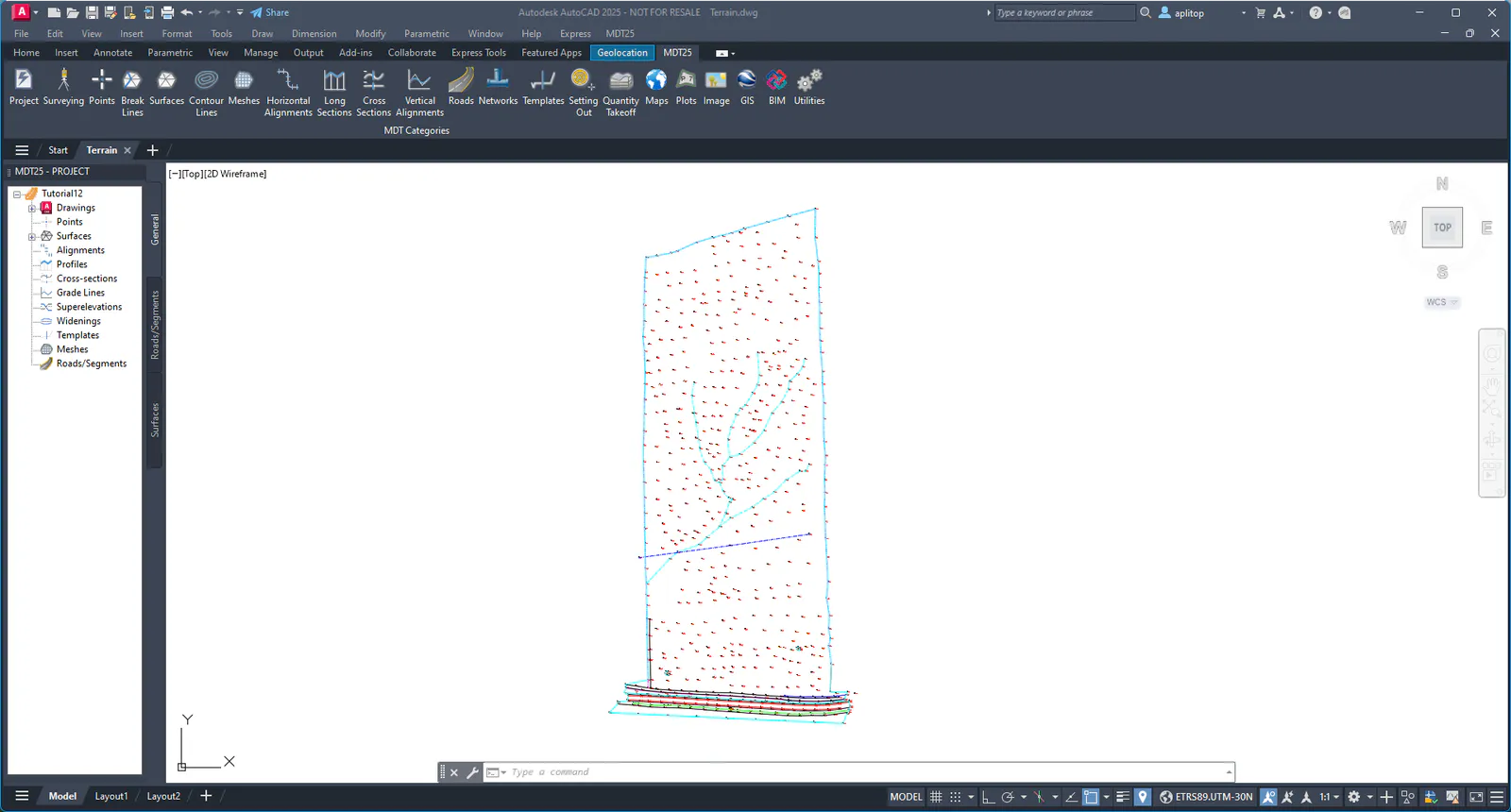
Open Terrain.DWG drawing, inside directory C:\MDT25_Projects\Tutorial12. The Tutorial12 project will also be opened automatically.
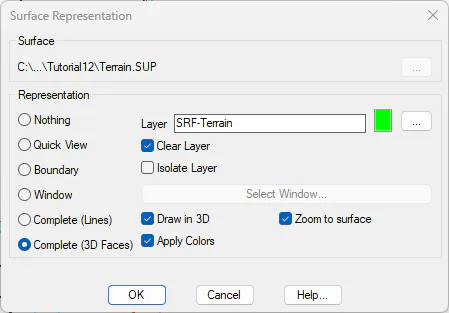
Run Surfaces > Set Current Surface, and choose the Terrain.SUP file in the same folder. In the dialog, select the Full option (3D faces) as Representation and select the Apply Colors check box.
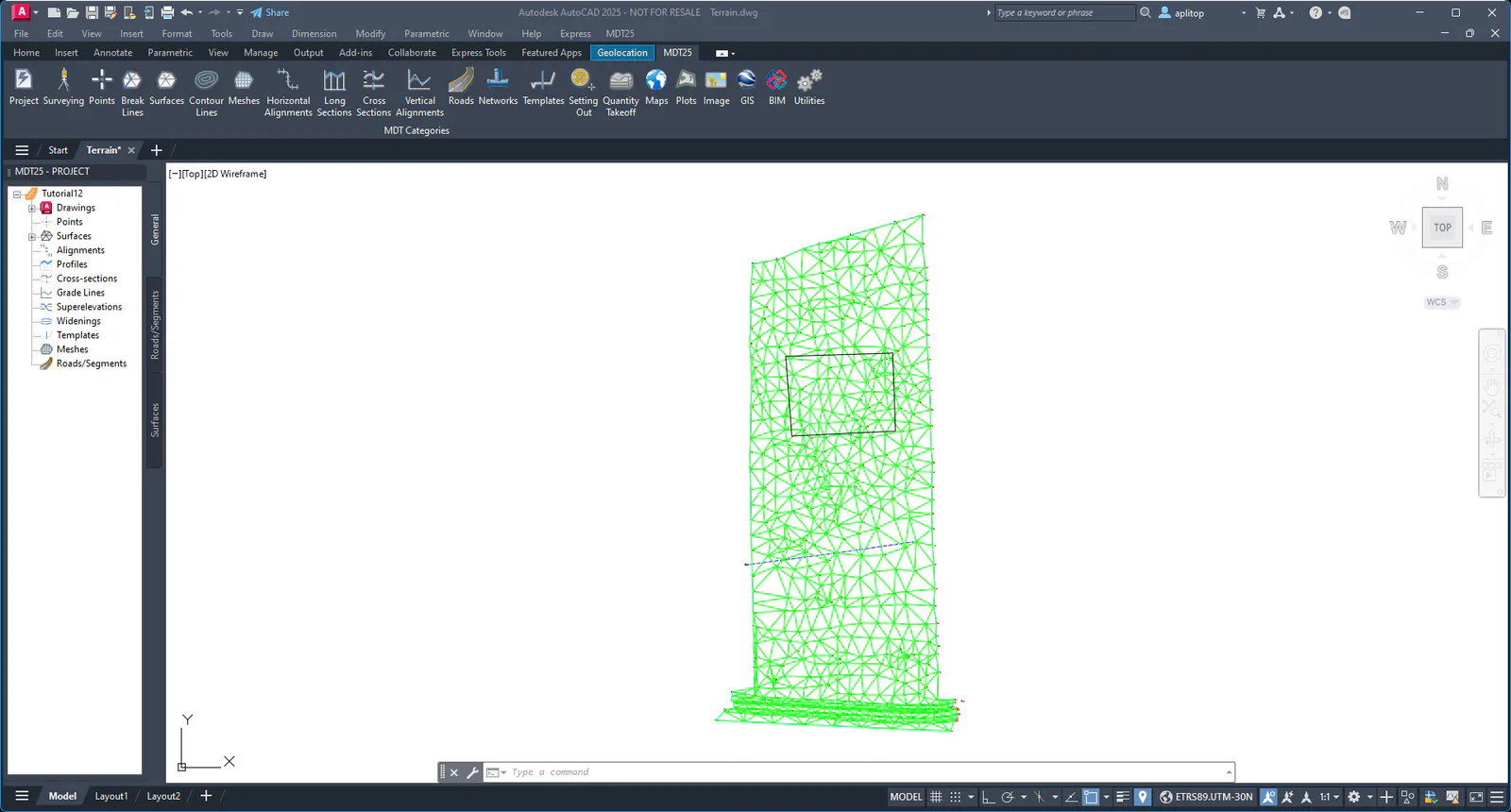
Initially, all the triangles will be drawn with the same color, corresponding to the natural terrain.
On the drawing, we will insert a block with the platform to be made. To do this, activate layer 0 and run the CAD command Insert > Blocks Palette, press the File Navigation button and select Platform1.dwg drawing in the same folder. Insert it in coordinates 0,0 with scale 1, angle of rotation 0, and with the option Explode, or else explode the block once inserted.