tcpMDT
Grading by platform elevation - MDT25
12.2 Grading by Platform Elevation
First, we will run the command so that the earthwork is as balanced as possible, that is, the cut and fill volume is similar.
Hence, run the command Surfaces> Grading> by Platform Elevation (or Surfaces> Grading> Platform Elevation) and select the polyline of the inserted drawing. Then, the following dialog box is displayed where the grading features are configured.
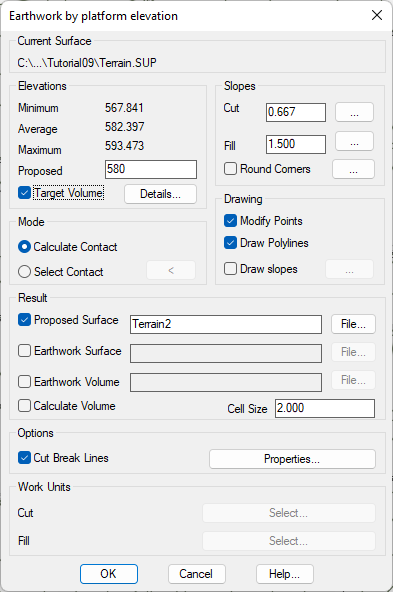
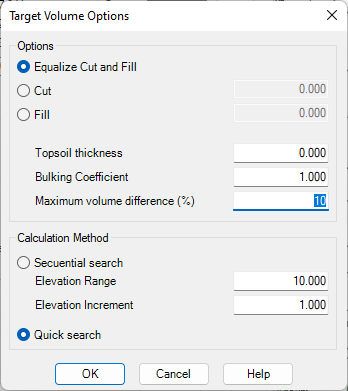
In the Proposed elevation box, enter 580, and check the Target Volume box. Then after pressing the Details button, the following window will pop up, which we will configure in the same way as it appears in the following image:
Press OK and the program will propose a set of possible solutions. We will select the third option, the one in which the difference is minimal.
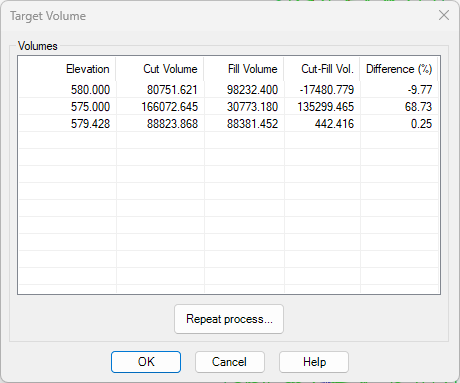
We validate the window and the program will automatically create a new surface named Terrain2, which will be drawn with its contacts.
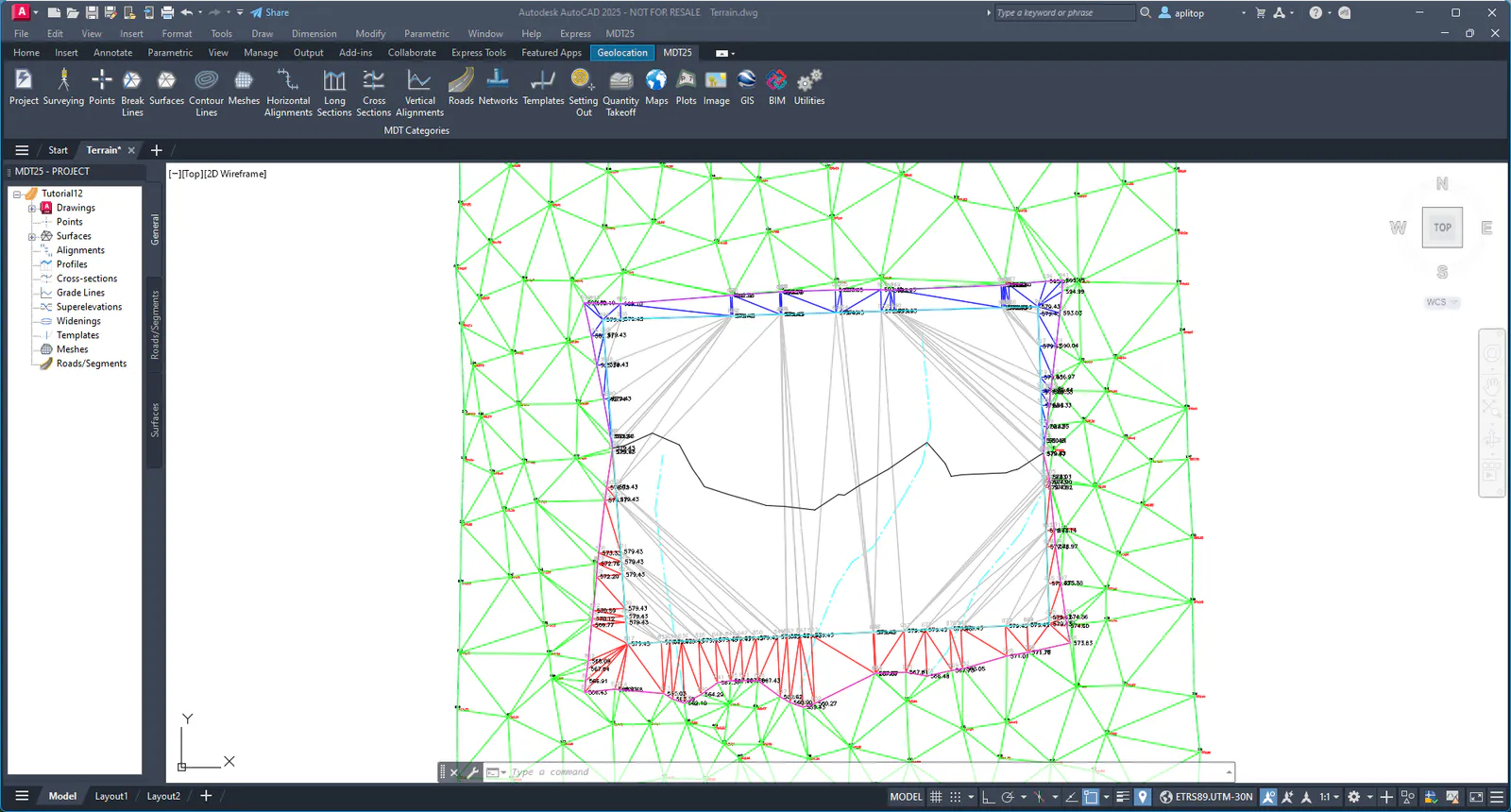
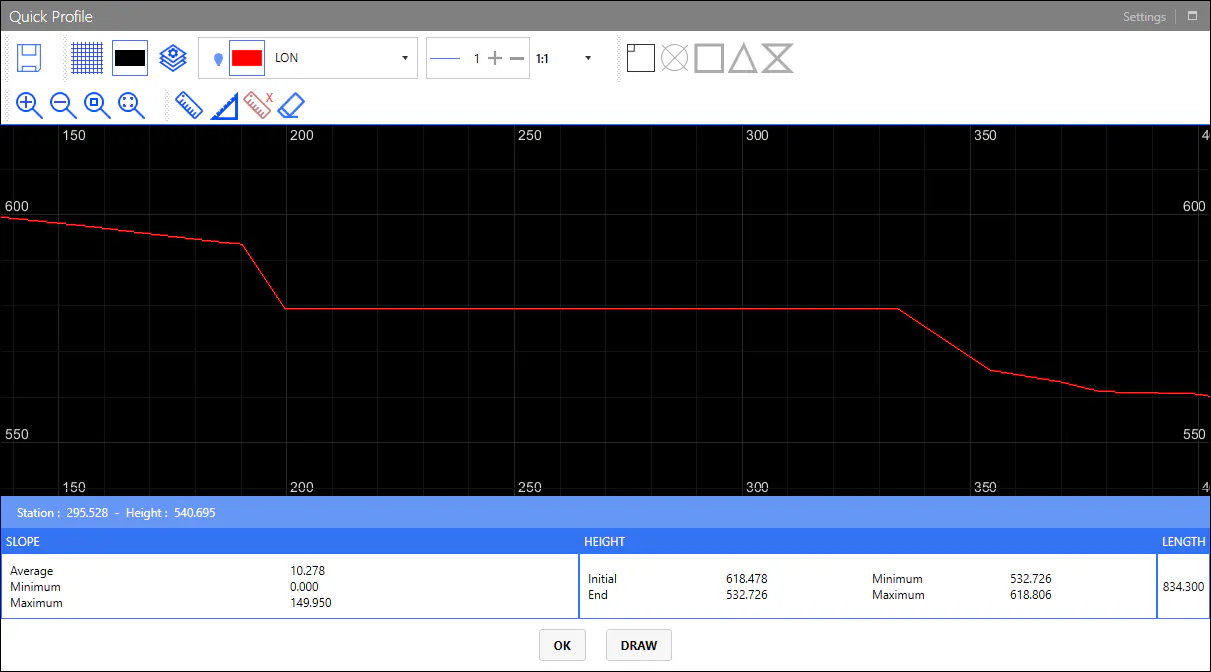
To view the model changes, use the Quick Profile command from North to South of the platform. Observe how the action performed is clearly distinguished.