tcpMDT
Representation in 3D - MDT25
20.4 Representation in 3D
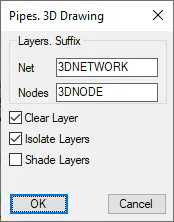
To end, the network module features a command which enables us to view the defined piping network in 3D. We execute the Networks > Draw 3D Network command and the following window will appear in which we accept the values proposed by default:
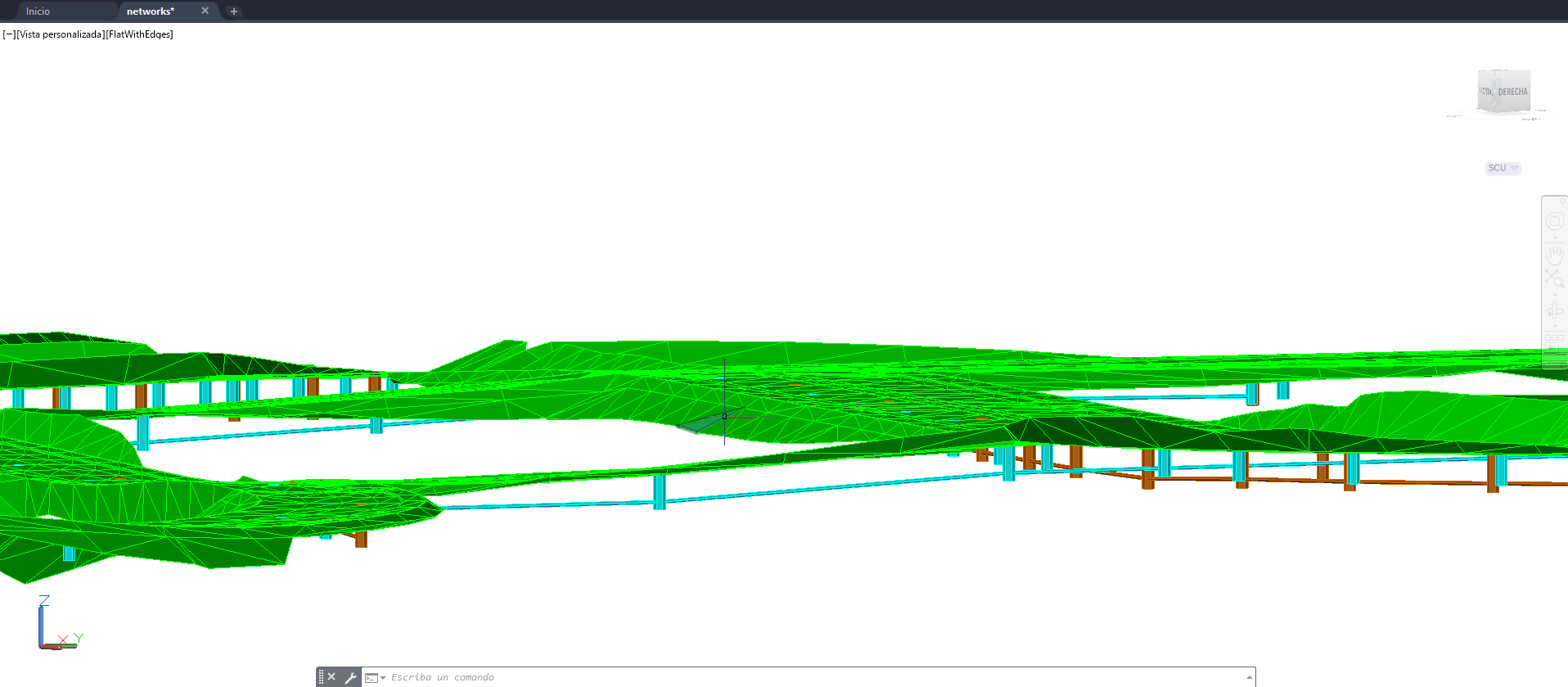
If we execute a 3D View in CAD, the 3D representation should be similar to the following image: