
tcpMDT
Calculate vertical alignment of link - MDT25
14.2 Calculate Vertical Alignment of link
Then we are going to calculate the Vertical Alignment of the link, for this we execute the option Roads / Segments > Intersection of Roads > Calculate Vertical Alignment of Link and select the alignment corresponding to the link to be calculated.
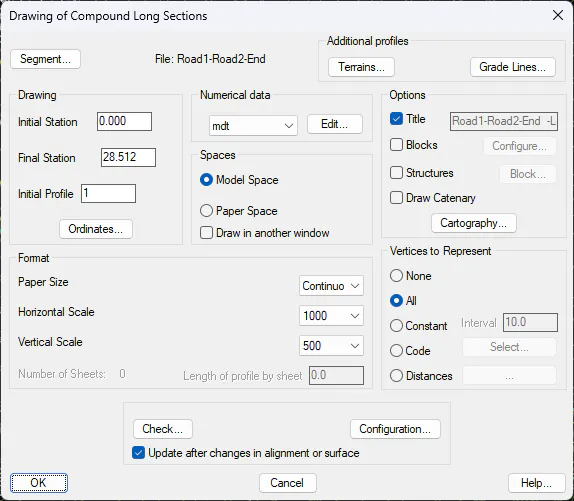
The profile of the link will be drawn next to a vertical alignment defined by default. Draw according to the following settings in a free area that we have in the drawing.
With the Vertical Alignment >Vertical Transition Curve" option, we press the "Insert" button and insert two vertices to adapt the grade to the roads of the intersection, we can see the insertion point in the following capture with a red mark.
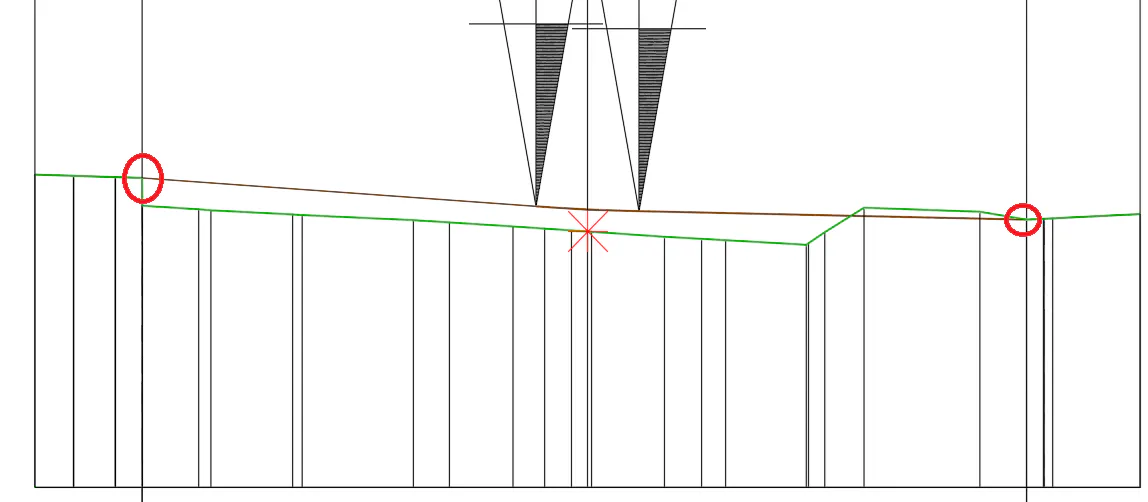
In addition, we raise the height of the central vertex so that it is aligned with the previous and posterior vertex.
Finally, we press the "Ok" button and update the information as the program notifies us.