tcpMDT
Open Project - MDT26
Open Project
 | Command to execute in the CAD |
|---|---|
Vertical menu | MDT26 > Project > Open |
Ribbon menu | Project > BIM > Open |
Command line |
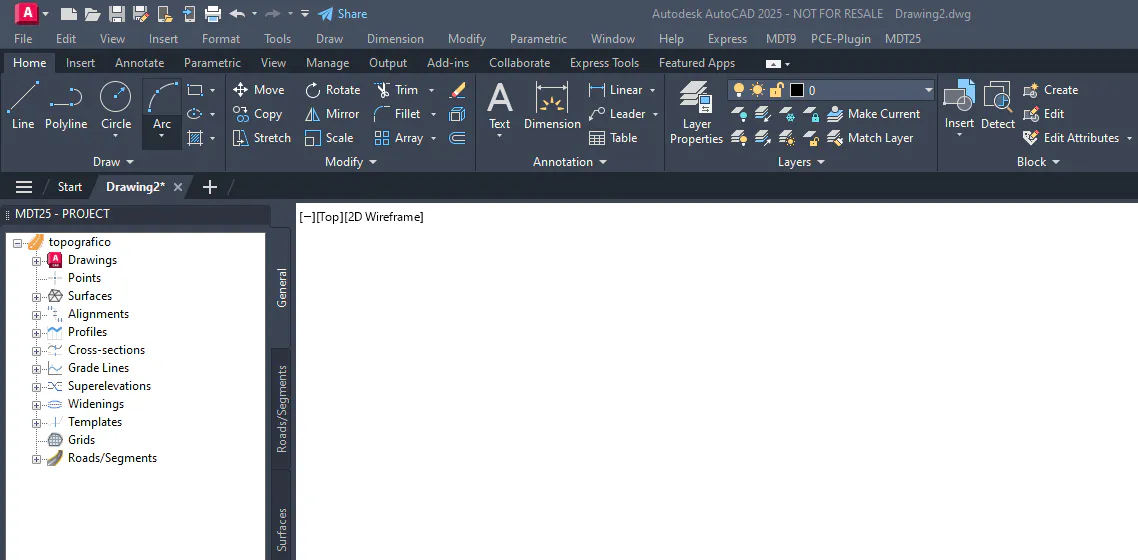
This command allows you to open an MDT25 project file, displaying the Project Window. Once the project is opened, the successive MDT commands will update the information about it.
Normally it is not necessary to use this command, because when you open a drawing file, MDT searches the same directory for a project file where the drawing is included.