tcpMDT
Project Data - MDT26
Project Data
 | Command to execute in the CAD |
|---|---|
Vertical menu | MDT26 > Project > Project Data |
Ribbon menu | Project > BIM > Project Data |
Command line |
With this option we set the properties of the project. The following window will appear, which will allow us to assign different types of information.
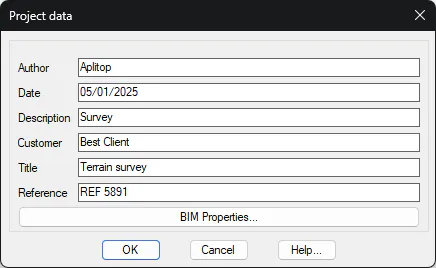
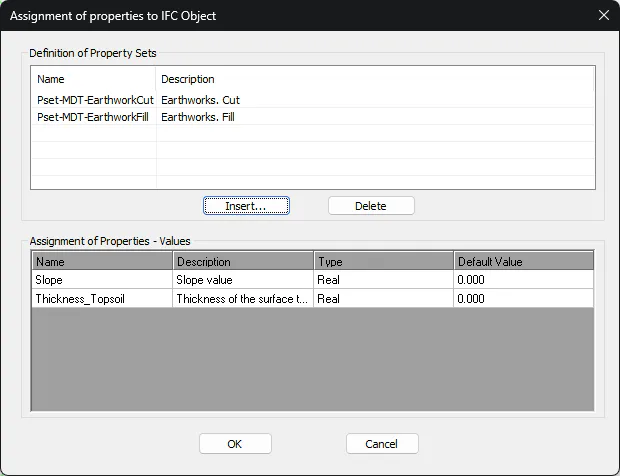
IFC Properties: With this button, we have the possibility to assign Properties Set to the active project. These properties will be reflected if we proceed to export the drawing with this project to BIM (IFC).