
tcpMDT
Defining road segment - MDT26
To perform this exercise, you must have MDT Professional Version.
In this unit we start from the previous exercise. The objective is to make use of the existing road surface in those areas where both roads coincide due to their layout and the difference in elevation allows it.
Hence, first we open solera.dwg drawing located in directory C:\MDT26_ Projects\Tutorial09. In addition, we open the project associated with our drawing, run the option Projects > Open and select the file solera.prj.
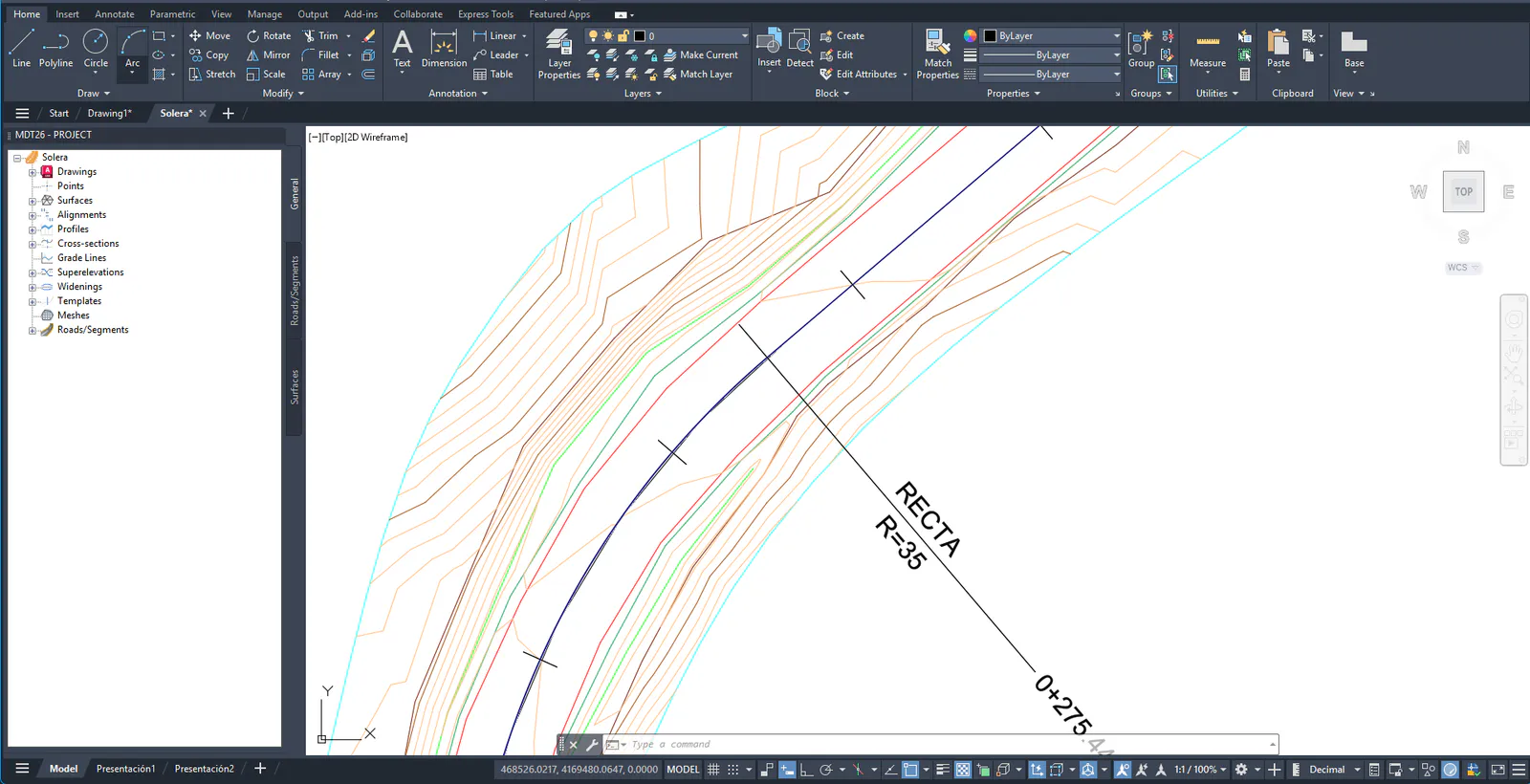
9.1 Defining Road Segment
Let\'s build the segment. To this end, in this exercise the remaining elements of the road have already been defined, that is, all of them generated in the previous year. We proceed to execute the command Roads/Segments > Create/Edit, we will call the new segment solera. SEG button and pressing the Automatic button will automatically import all components with the same name.
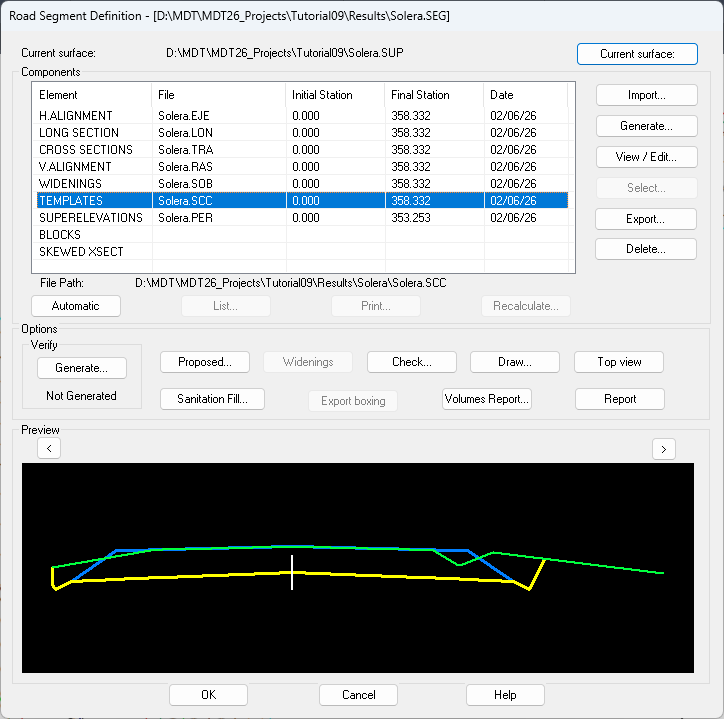
In the segment preview, you can see the delimitation of the road from which we are going to make the use of the roadbed.