tcpMDT
Creating network nodes - MDT26
We need Professional Version MDT to perform this exercise.
The idea of this exercise is to introduce the user to the MDT Networks module. The different types of networks will be managed, in addition to the creation of nodes and the drawing of pipes.
We are going to define two piping networks, one for sewerage and the other for rainwater with their corresponding nodes, and finally, using the tools provided by the module, we will represent them in profile view and calculate the possible existing intersections.
First of all, we open the networks.dwg file located in the C:\MDT26_Projects\Tutorial20 folder.
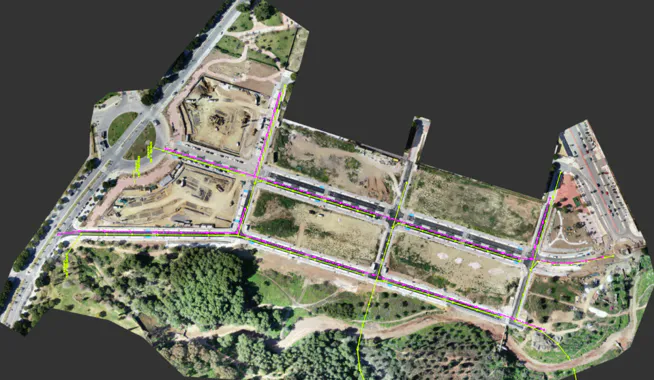
We first define the survey surface as current by executing the Surfaces > Current Surface (or Surfaces> Create> Current surface) command and selecting the surface.sup file. We only draw the boundary line of the surface to facilitate the design of the piping sections.
The drawing illustrates a number of polylines and points in the SEWERAGE layer and others drawn in the RAINWATER layer.
20.1 Creating Network Nodes
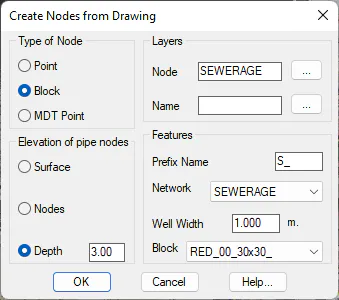
First of all, we are going to create the nodes corresponding to the SEWERAGE network by executing the Pipe Networks > Create nodes from drawing command, after which a dialogue box will appear, which we will configure in accordance with the following screenshot. The depth of the node is important, and in this case, we are going to establish a depth of 3 meters. On checking the dialogue box, it will ask us for the name of the block, and we select SEWERAGE_MANHOLE.
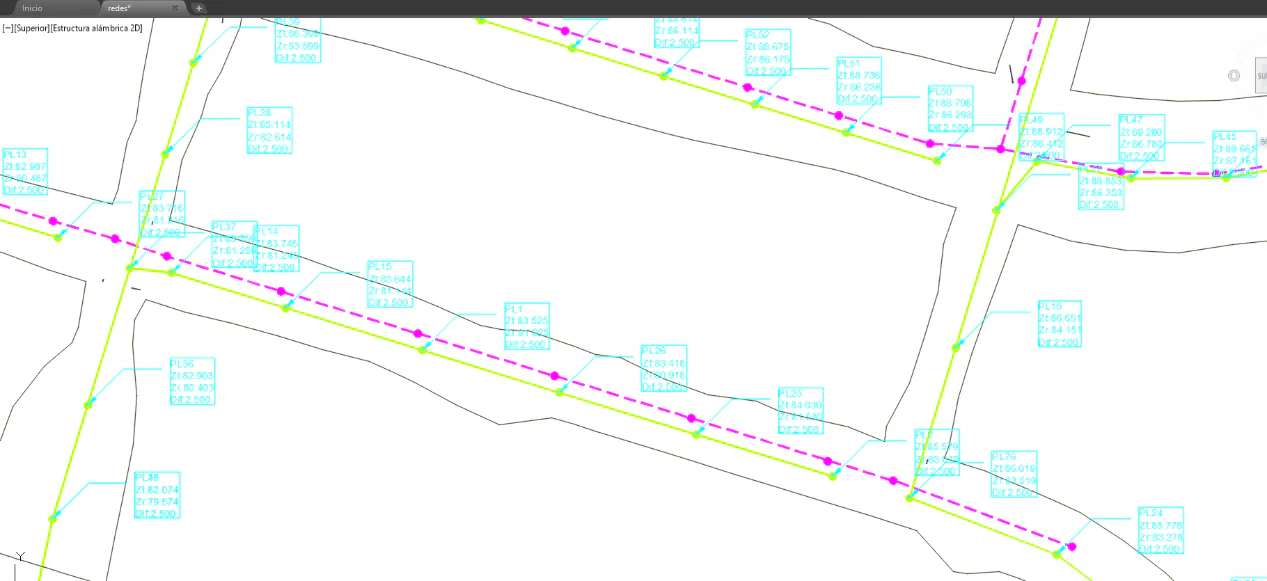
The end result will be as follows, where we have deactivated the layer in which the image is located to make the work easier.
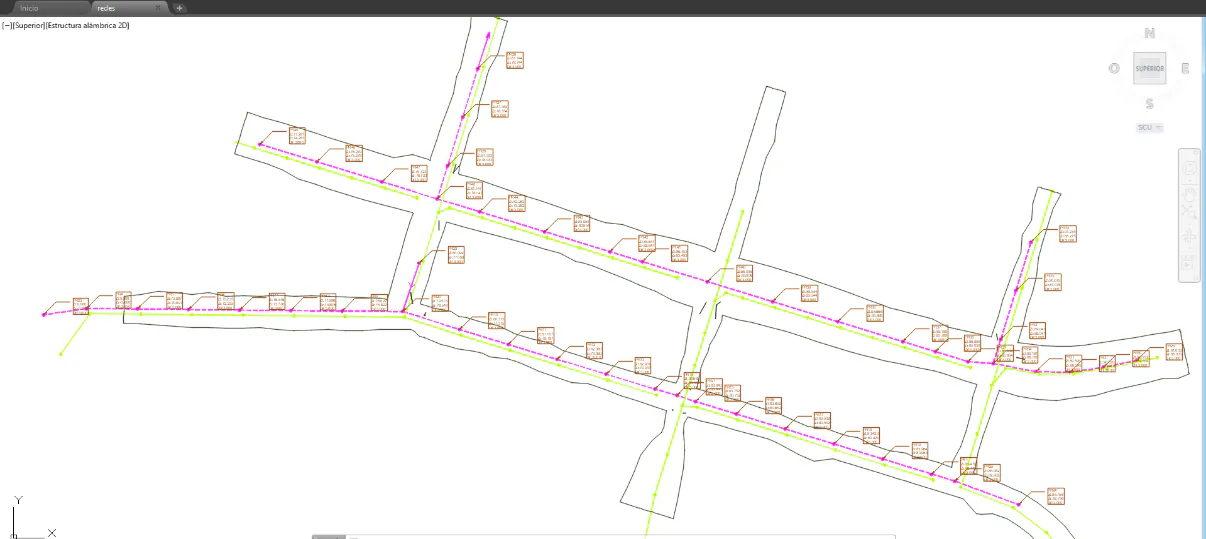
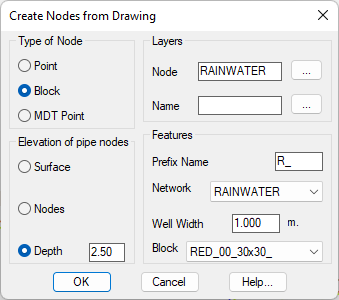
Next, we create the nodes for the rainwater network by executing the same command as in the previous case, but we now define a value of 2.5 for the depth and select RAINWATER_MANHOLE as the name of the rainwater block.