tcpMDT
Calculating volumes by mesh difference - MDT26
3.3 Calculating Volumes by Mesh Difference
Here, we can make a comparison with another volume calculation method. Thus, we open the surveyInitial drawing again and then execute the command Meshes> Create Mesh from Surface (or Meshes> Create > Mesh from Surface) and select surveyInitial.sup surface file. In the dialog box, we set Binary Mesh as file type and 0.5 m as cell size. Save information in surveyInitial.MDE file.
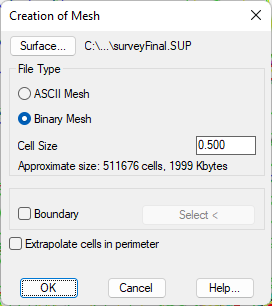
We also perform the same operation with the surveyFinal drawing, and therefore the surveyFinal.sup surface, generating the surveyFinal.MDE file.
Then execute the command Quantity Takeoff> Volumes> Mesh Difference (or Quantity Takeoff> Terrain> Mesh Difference). Validate the dialog box by pressing OK and select the two previously generated files.
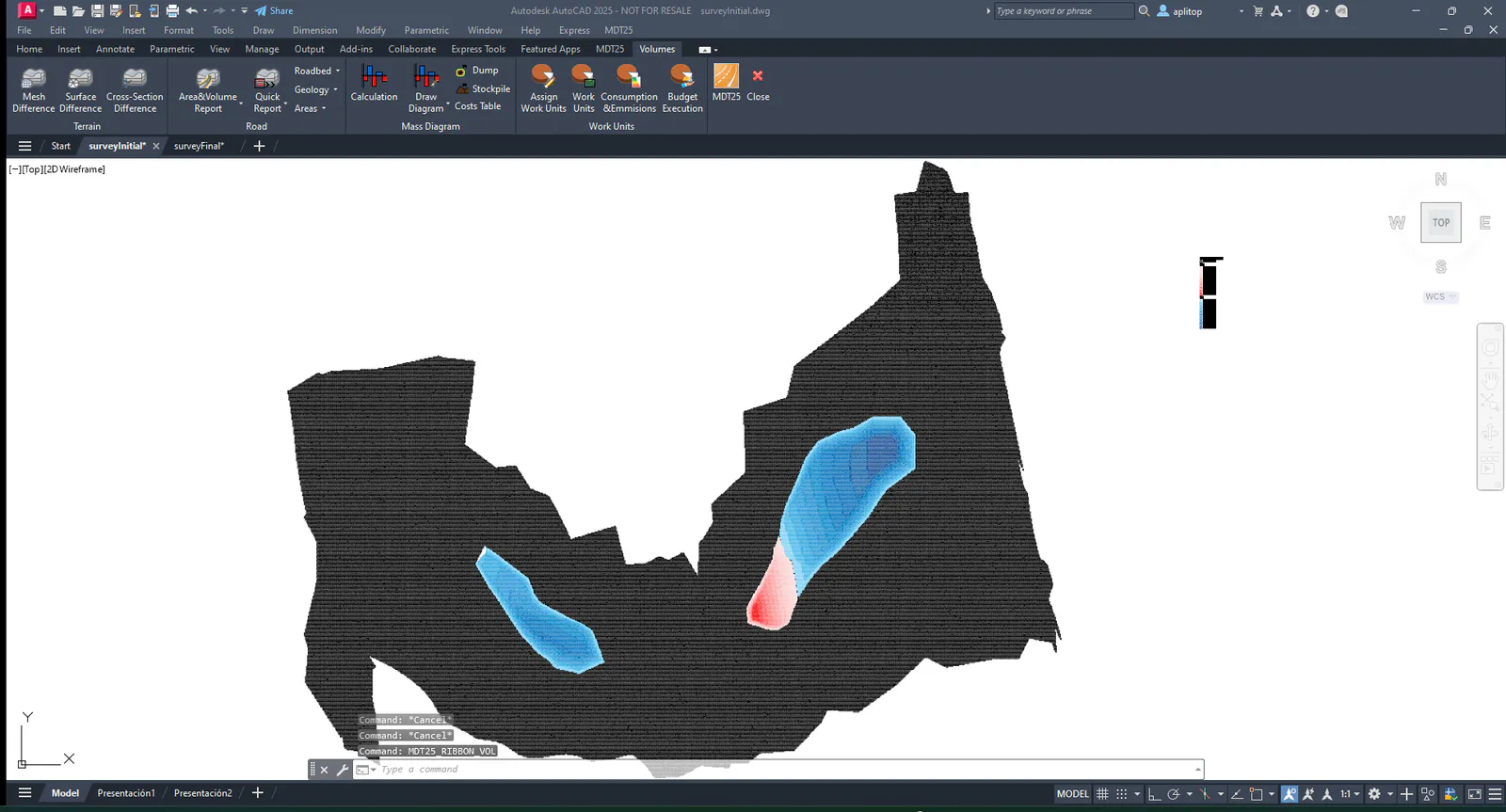
In the next window, the area and volume report appears, with the possibility of drawing a grid with the final result. To do this, check Draw volumes, Draw cells without volume and Isolate Layer boxes.
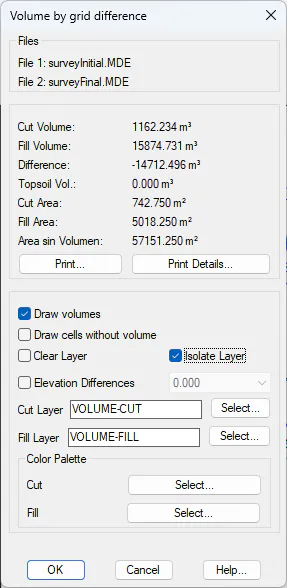
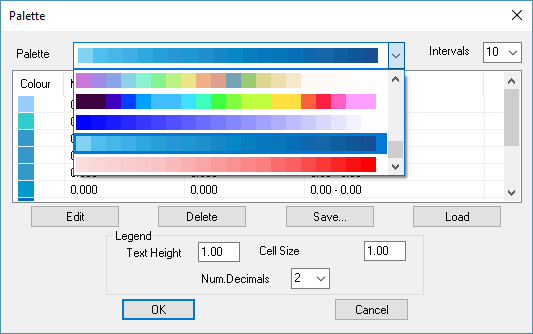
MDT by default will assign a color palette to represent the cut and fill regions, although the user can select its own palette from the color palettes proposed by the program.