tcpMDT
Calculating volumes by plots - MDT26
3.4 Calculating Volumes by Plots
Finally, we can perform the volume calculation of a plot from the two surfaces with which we have worked in the previous sections.
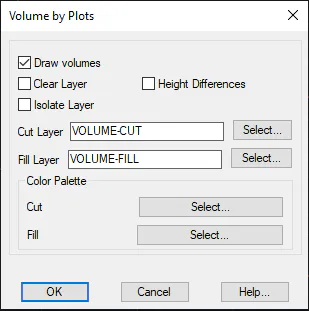
Hence, we open the plots.dwg drawing and observe the distribution of the different plots. Then, we execute the command Quantity Takeoff> Volumes > Volume by Plots. The following window will pop up where all the plots will appear by default to perform the calculation, which we validate by pressing OK. Then, we select surveyInitial.sup file as the initial surface and surveyFinal.sup file as the final surface.
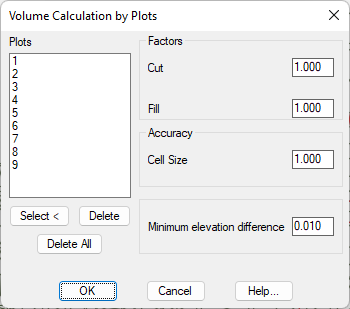
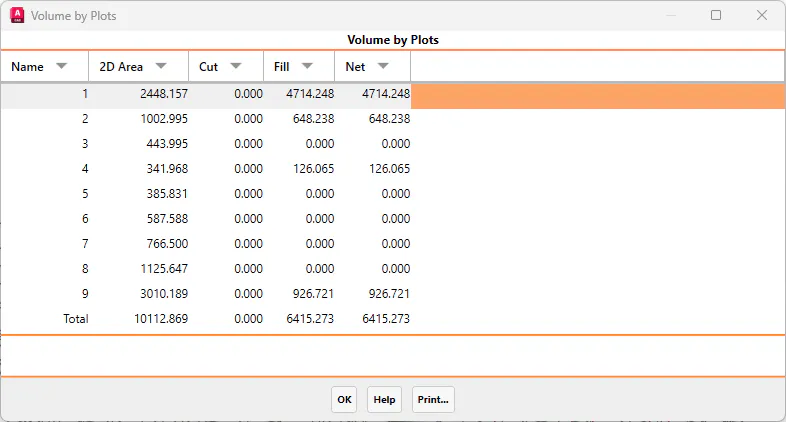
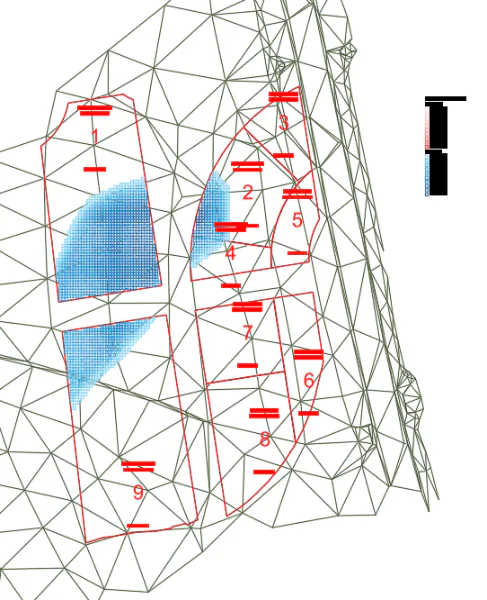
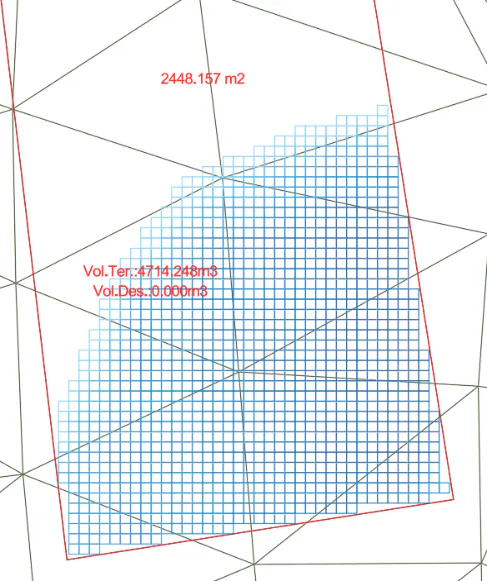
Once the dialogue box has been checked, a list will appear with the calculation of the cut and fill volume for each plot. When accepted it shows us a dialogue box with the option, as in the previous section, of drawing a mesh with different shades of color to indicate the cut and fill areas.